

 In order to cut audio from a video file, use the free video editing program Avidemux 2.5.
Avidemux Free cross-platform application with open source, which provides opportunities for quick (and simple) editing of video files (deleting unnecessary parts, imposing all kinds of filters and subsequent encoding). Work with various types of video (among which AVI, MPEG, MP4/MOV, OGM, ASF/WMV, VOB, MKV and FLV), there is a rich set of filters. Avidemux works well with x264, Xvid, LAME, TwoLAME, Aften and others.
For example, we have a video file with the name: Discovery-20111026-111029.avi And we need to cut the sound out of that file.
Installation of the Avidemux 2.5 program downloaded from the official website
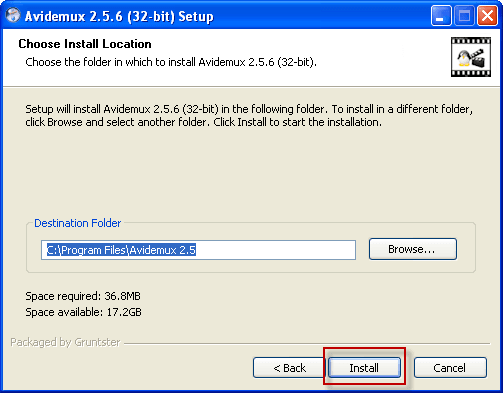
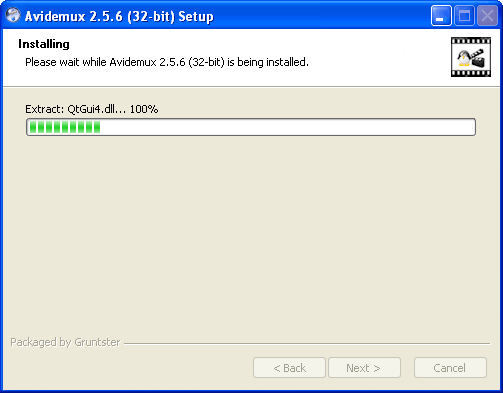
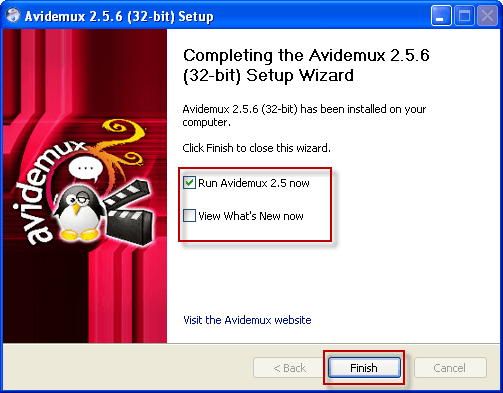
Or download from this site at the link /downloads/avidemux_2.5.6_win32.exe and install by running the downloaded program. Here are the screenshots of each step in installing the program:
To install, you need to click on the buttons circled in red in the screenshots:
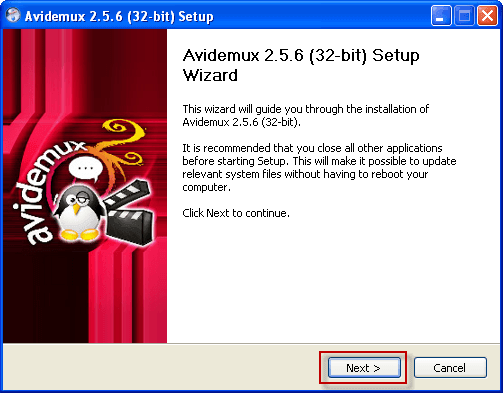

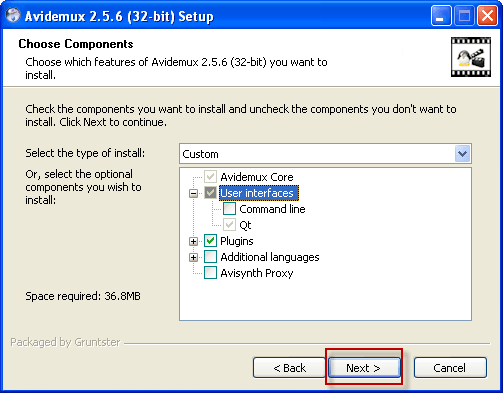

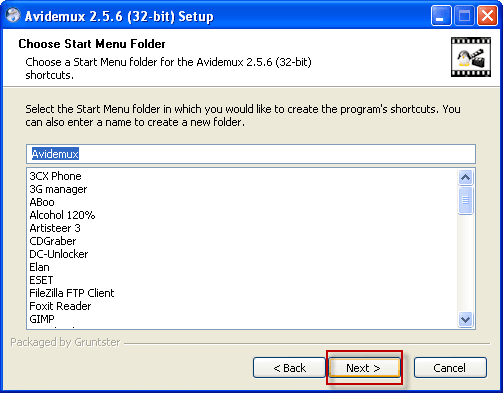
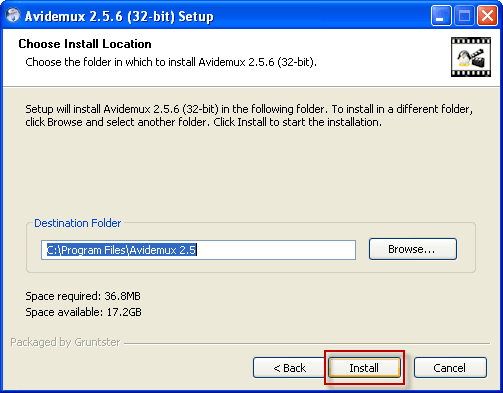
Leave a tick when you start Avidemux 2.5 after pressing the button. Finish
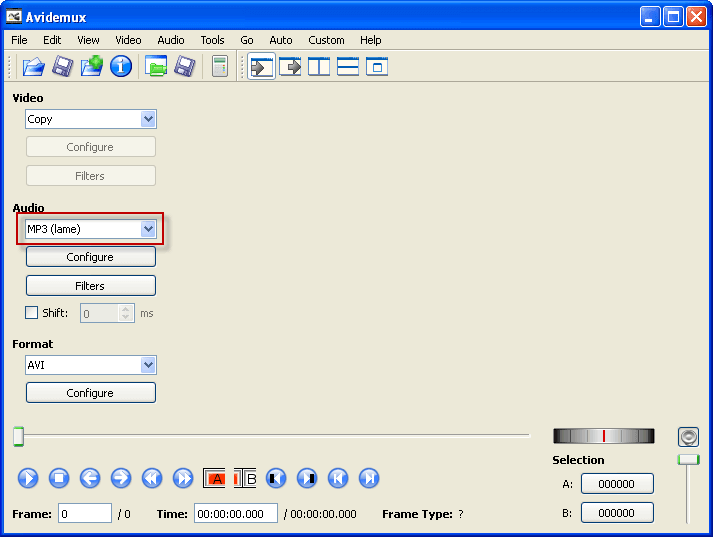
Launched program window Avidemux 2.5:
In order to cut the sound from a video file, we need to select a codec that will compress the audio file. In the section Audio in the drop-down list, select MP3 (lame):
Next, you need to click on the button in the form of a folder (circled in red) select a video file from which we need to cut the sound.
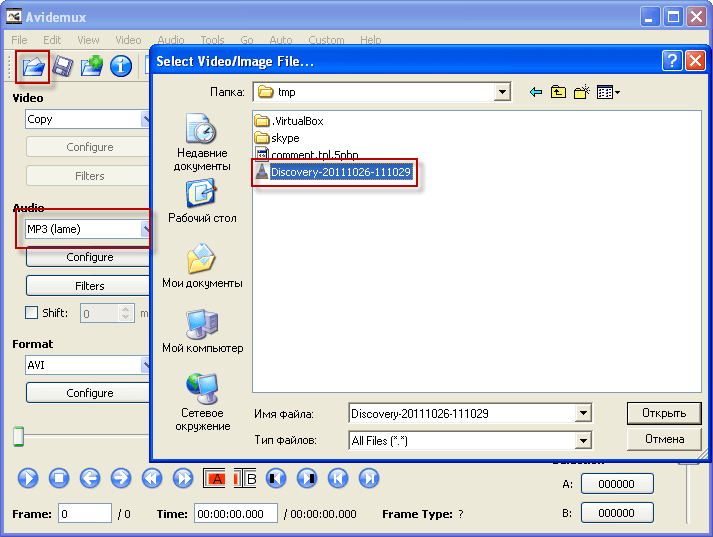
We agree to request the program when opening the file.

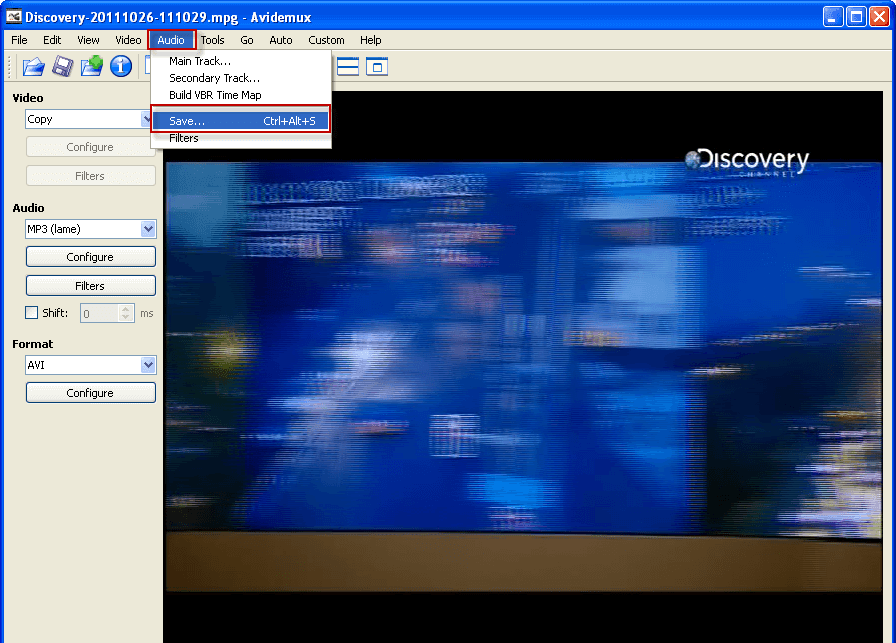
After opening the file, we need to save the audio file by clicking on the program tab. Audio and press the button Save
In the window that opens, you need to specify the place where the audio file will be stored and prescribe the full name with the file extension, in our case this is Discovery-20111026-111029.mp3 press the button. Save..
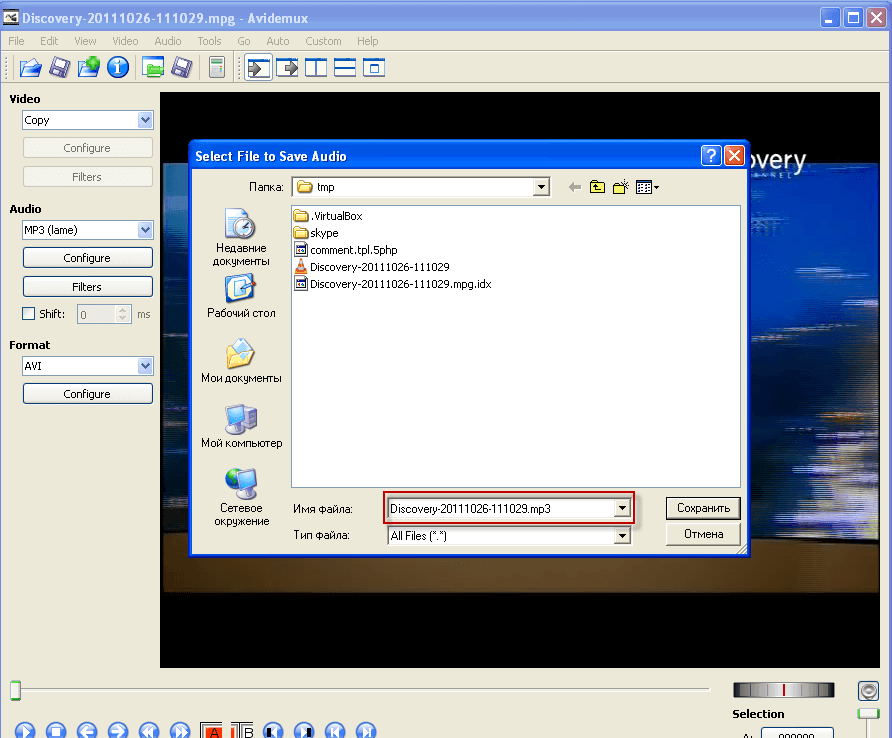
After saving from the folder to which we selected when saving, we can run the saved file and edit it with audio editors.
I was with you. Sergey Lazarenko.

comment