
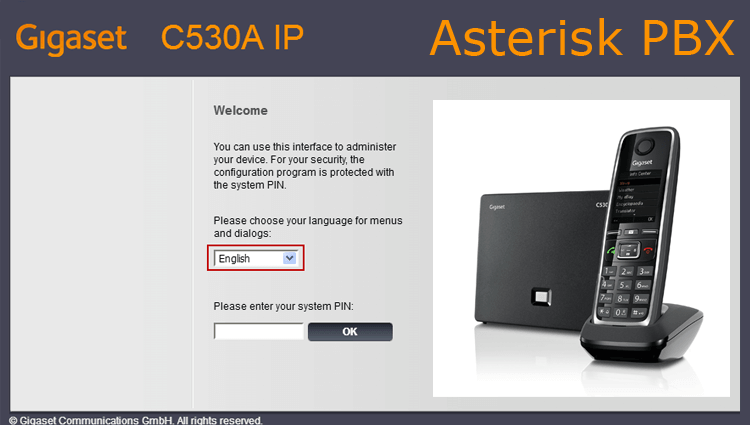
There is a configured Asterisk server installed according to one of the instructions: Installation of Asterisk 1.8, Installation of Asterisk 11, Install Asterisk 13 PBX in Debian and Ubuntu Server and other instructions from this site and SIP DECT phone GIGASET C530A IP with a handset, you need to connect the SIP DECT phone to our Asterisk server configured according to the instructions Setting up the Asterisk PBX.
Connect the phone database to the local network switch, look at the DHCP server by what IP the base received and by this IP we enter through the browser.
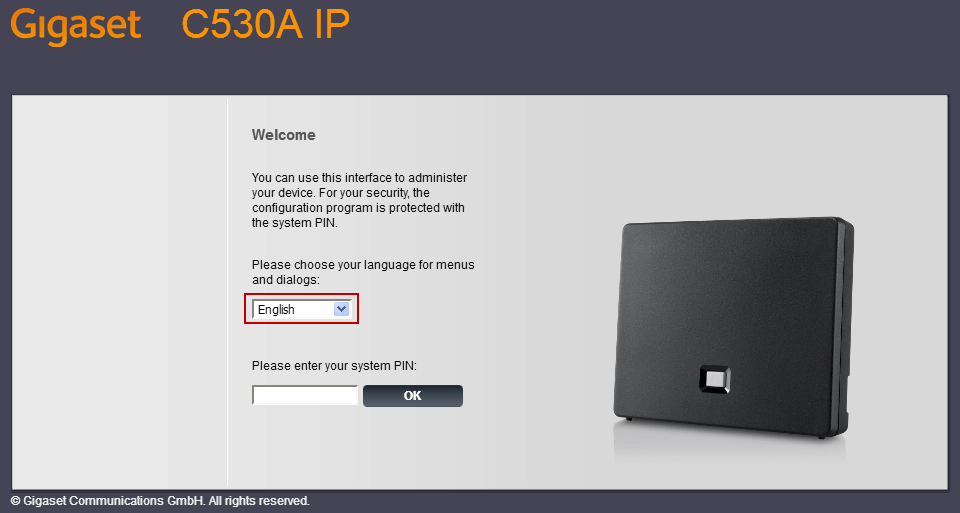
The web interface opens:
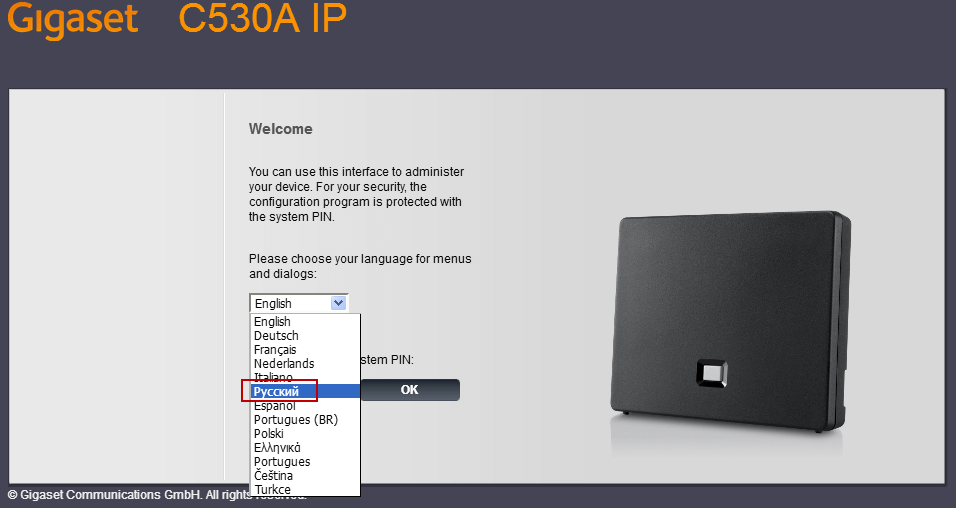
Select in the list Russian language, if the phone is allowed Internet, will automatically download the Russian localization of the web interface:
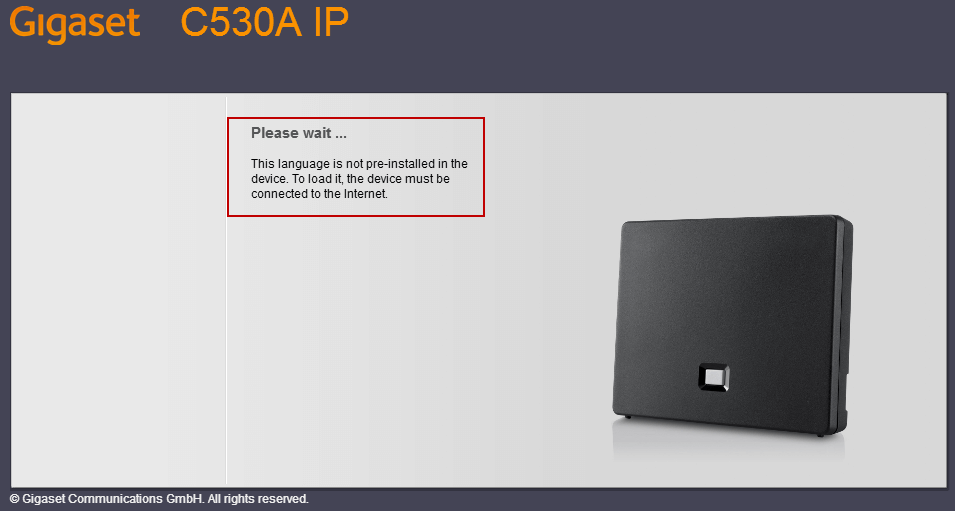
It is recommended to wait until the russification of the intreface is downloaded:
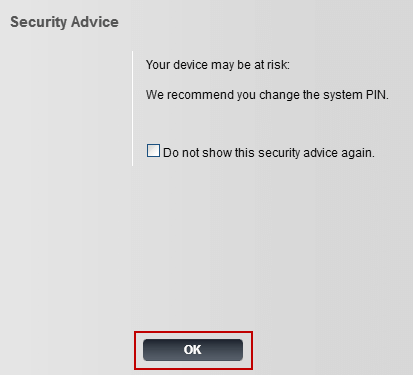
In my case, the Internet for this phone was prohibited, because the Russian localization of the web interface was not downloaded, then we enter the web interface by entering a standard PIN: 0000. At the first entrance, a notification about the need to change the standard non-secure PIN code is bad:
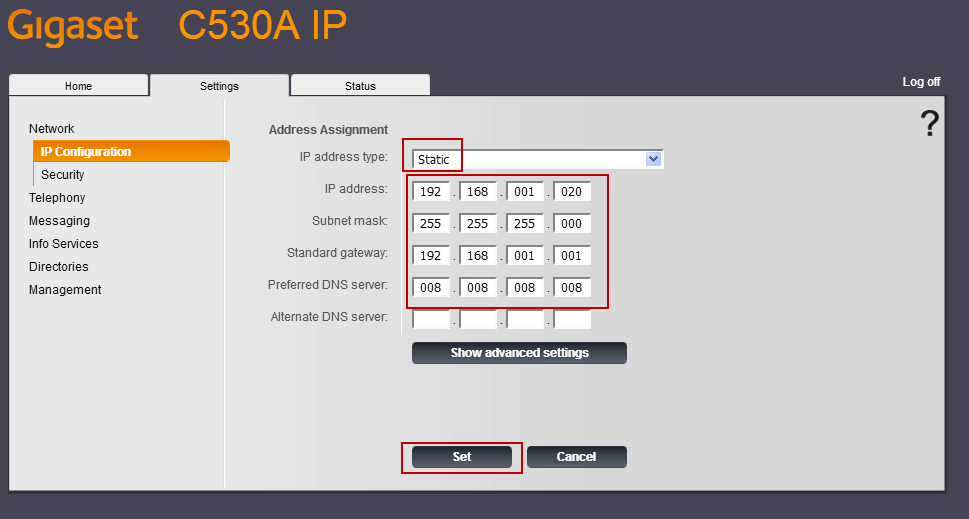
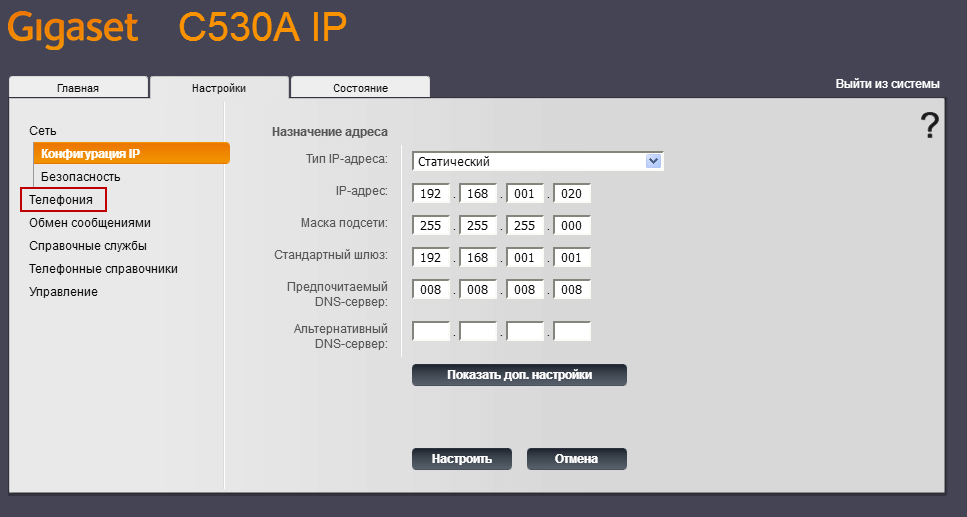
Go to the Settings tab, set a static IP address, mask, gateway and DNS, apply changes by clicking on the Set button:
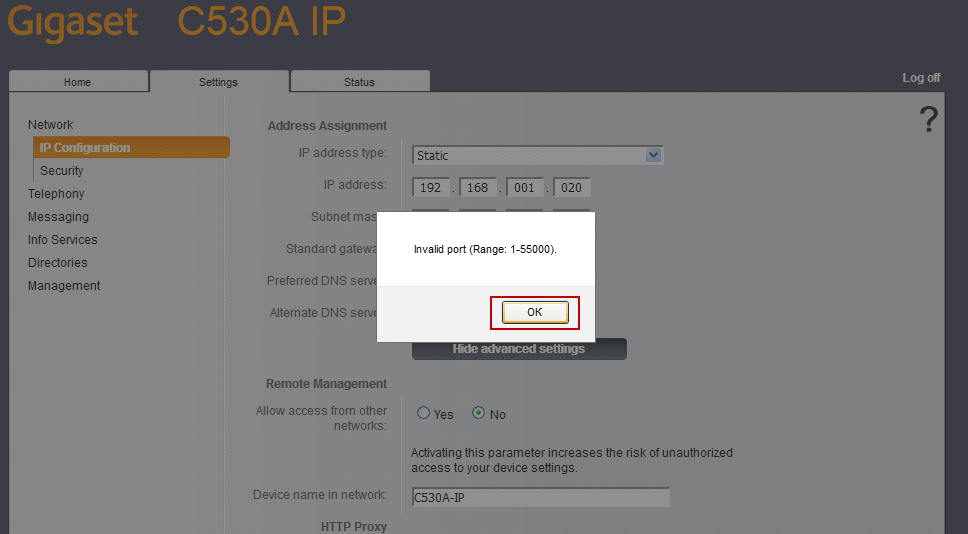
A proxy port error will be shown:
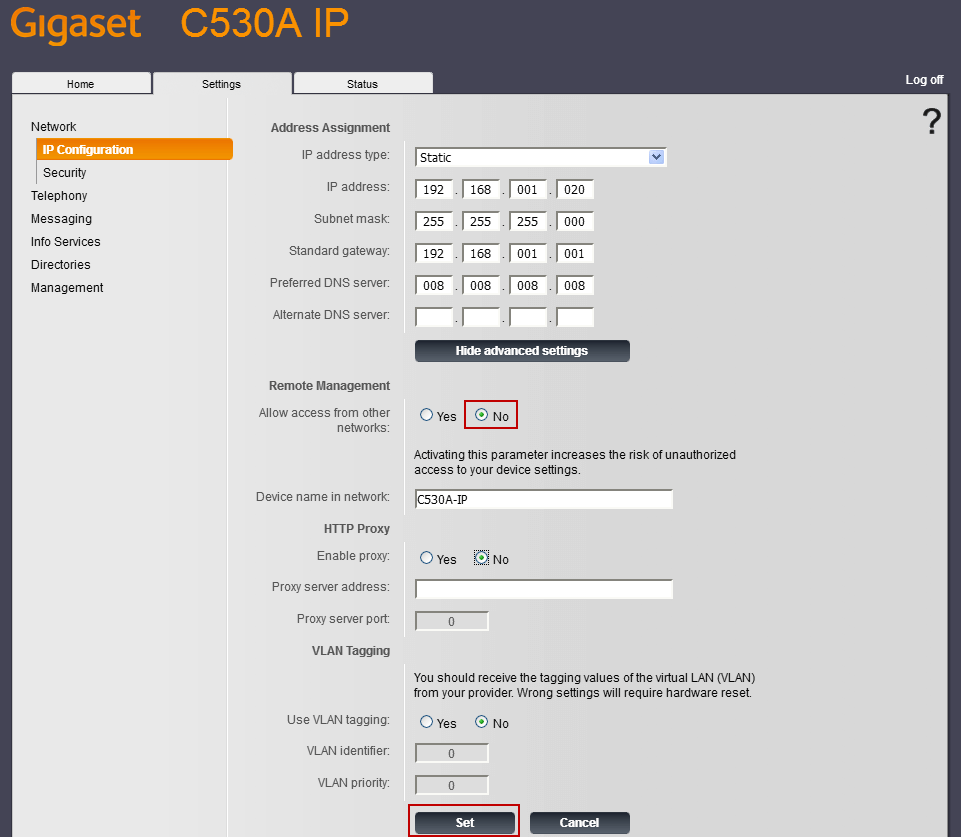
Turn off the tick. NO field HTTP Proxy - Enable Proxy and apply changes to press the button Set:
After the changes, the phone base will be restarted:

After downloading, again select the Russian language in the web interface, and then already if there is an Internet for the base, localization is loaded:
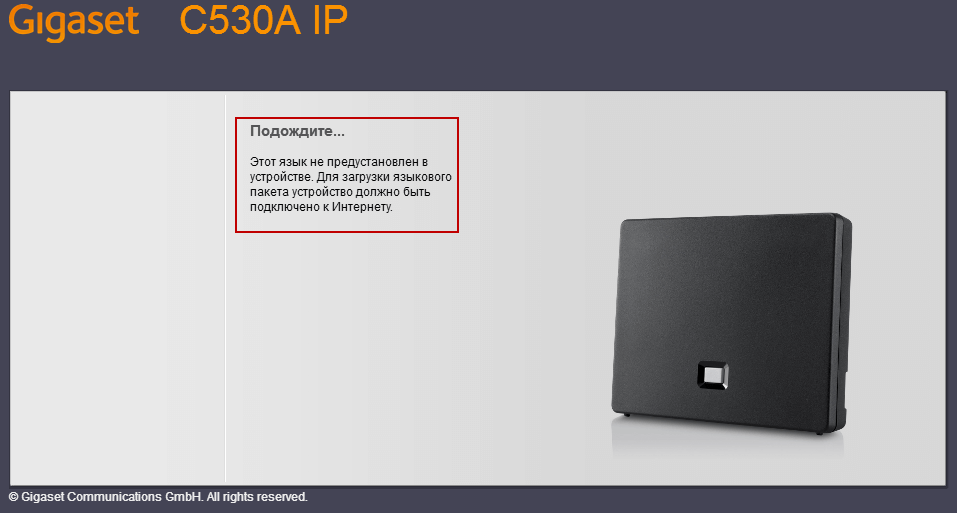
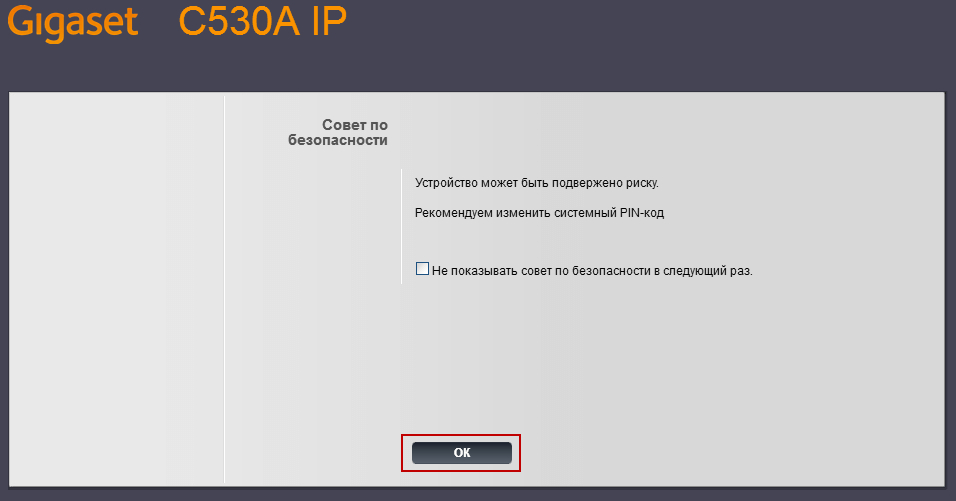
Similar to the previous input, it notifies you to change the PIN code to a non-standard one:
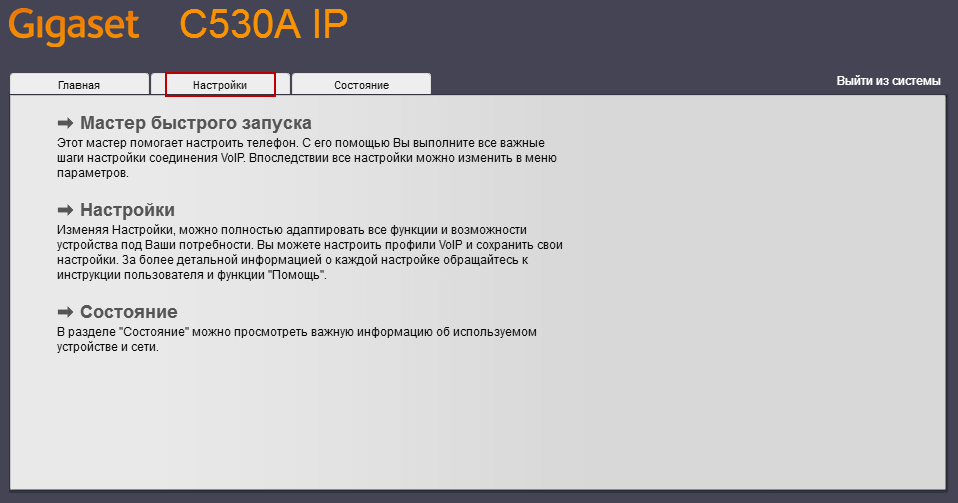
Go to the Settings tab and start connecting this phone to the Asterisk server:
Let's go to the Telephony tab:
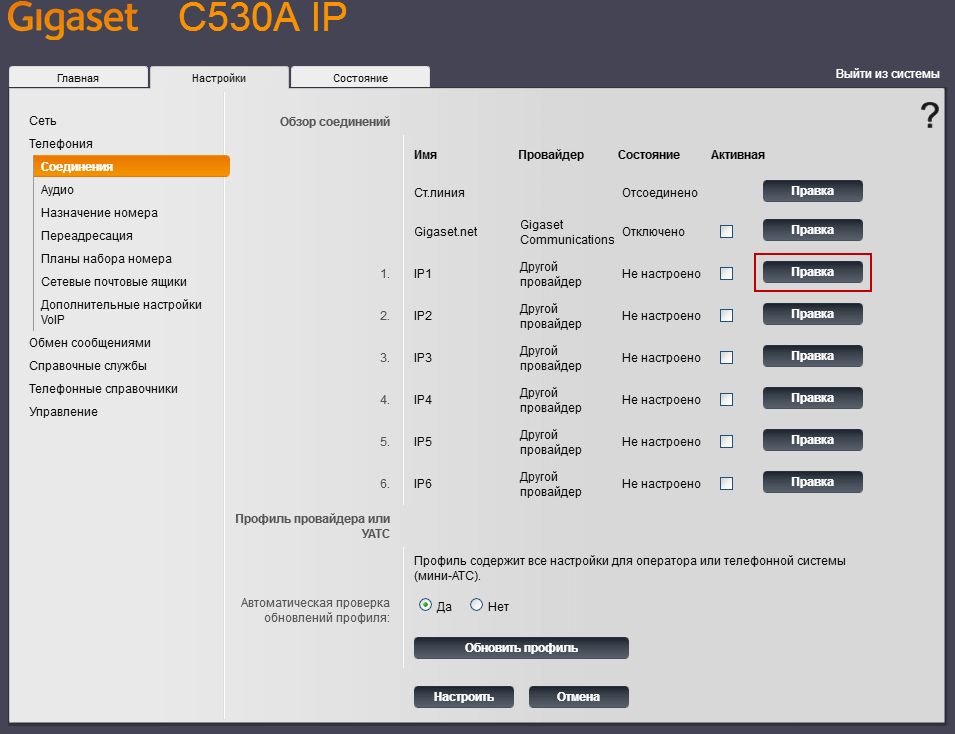
Click on the Right on the first tube, you can connect 6 tubes to this database, but more than 2-uch does not make sense for the office, since only 2 channels work at a time:
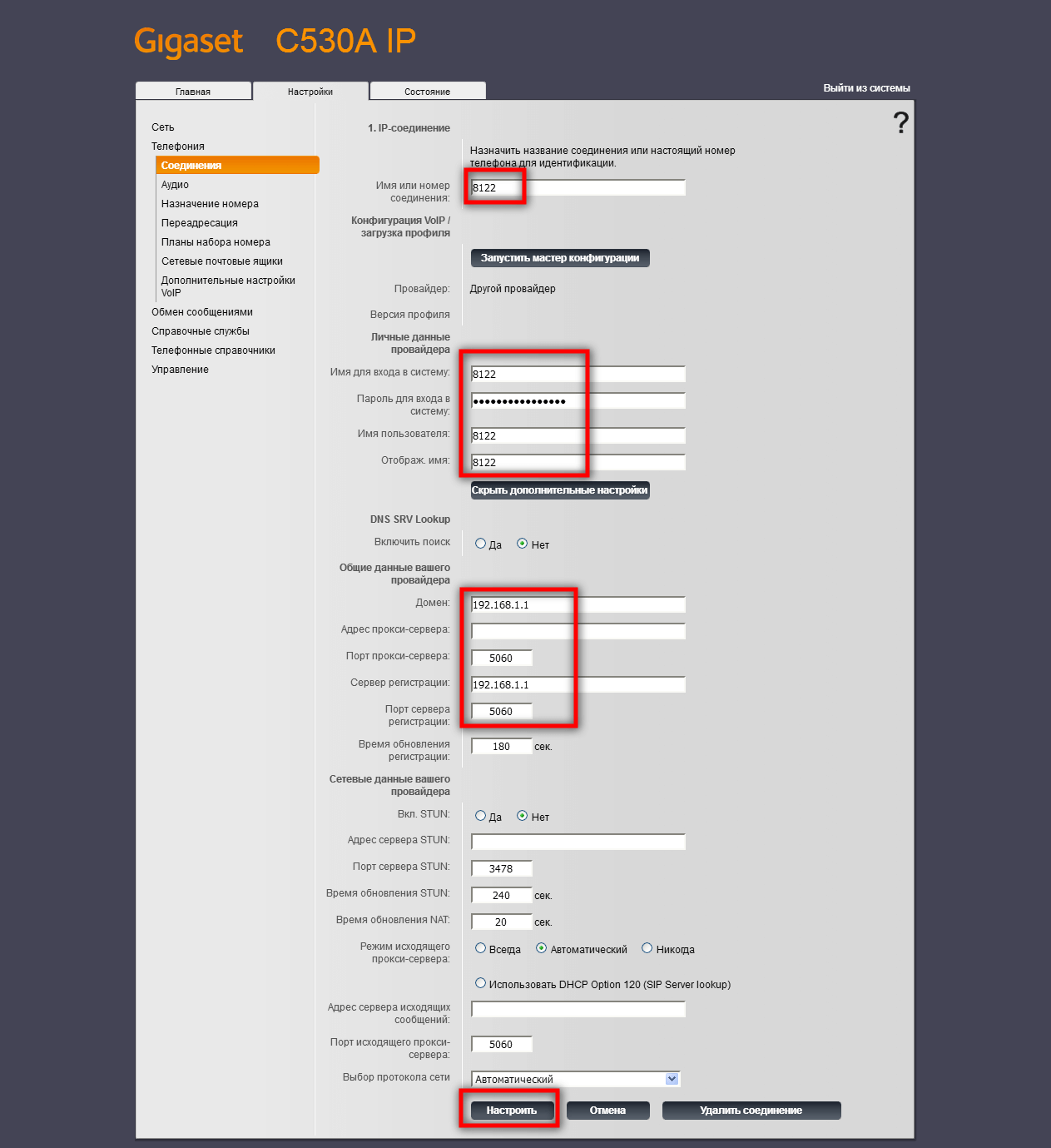
We enter the settings of the internal phone number, password and IP server Asterisk, to apply changes click on the button Set up:
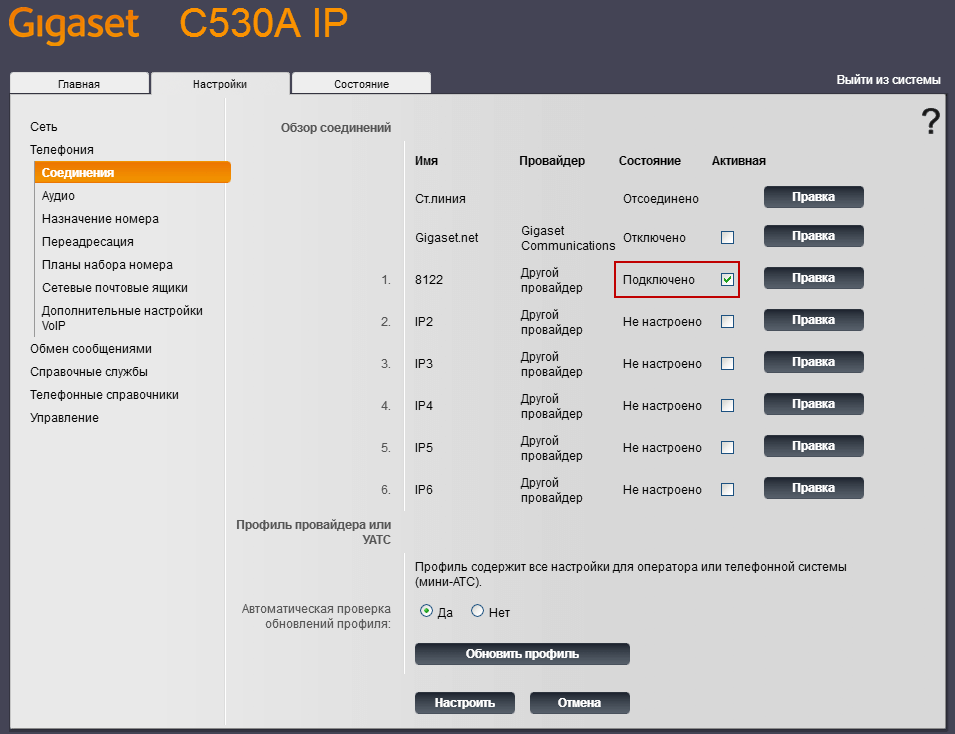
We see that the status of the phone Connected.:
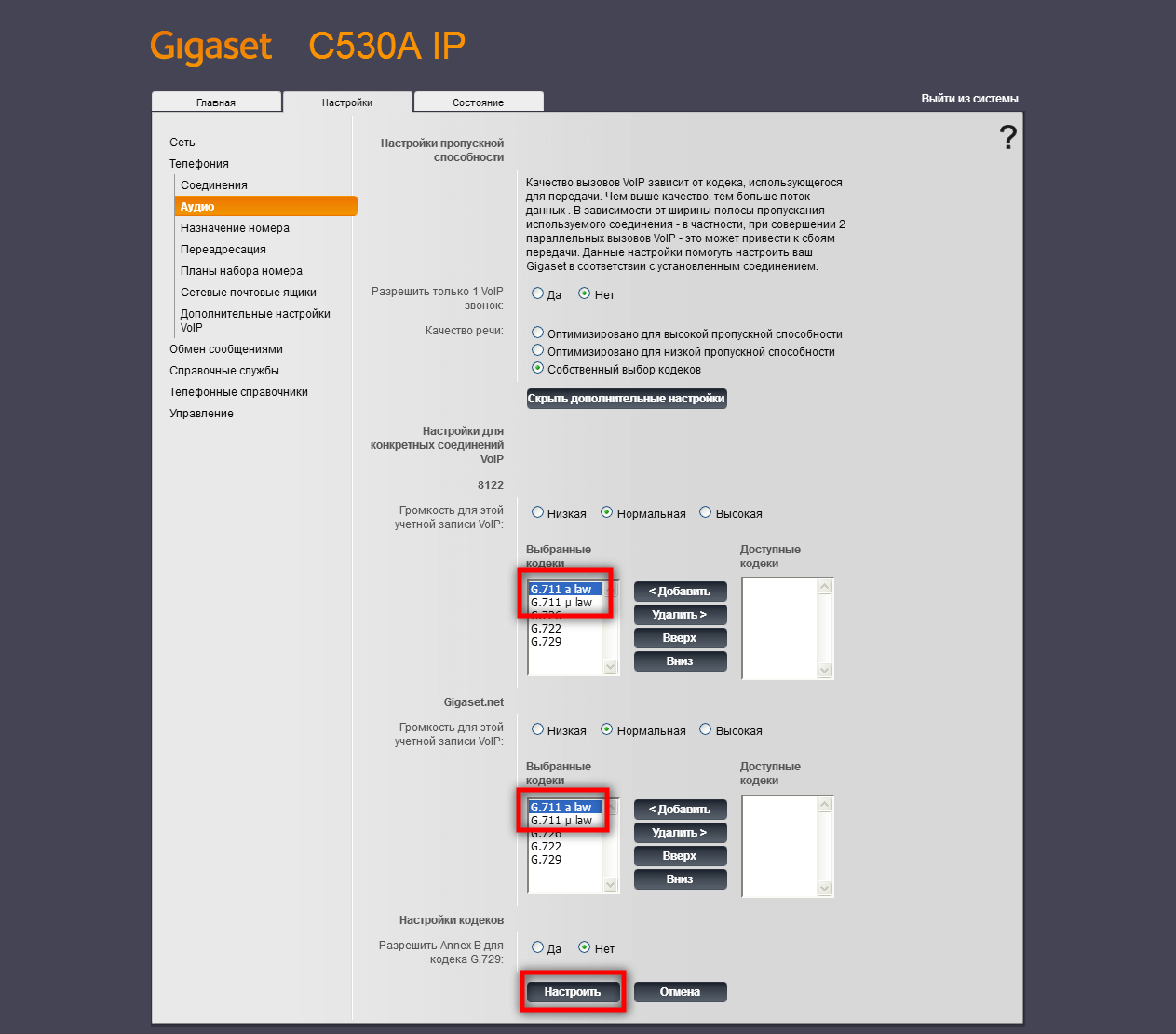
Go to the tab. Audioclick on the button. I'll show you dop. setup:
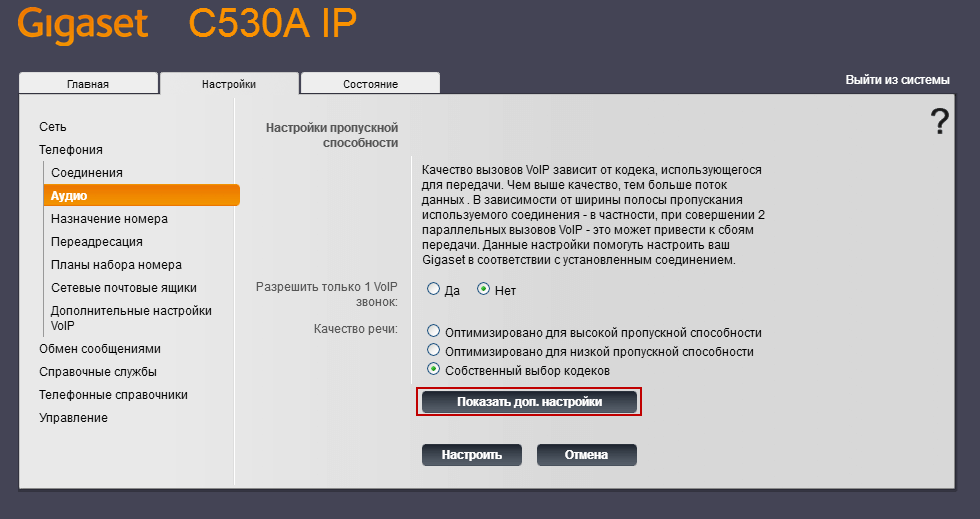
Translate up the ulaw and alaw codecs and apply changes:
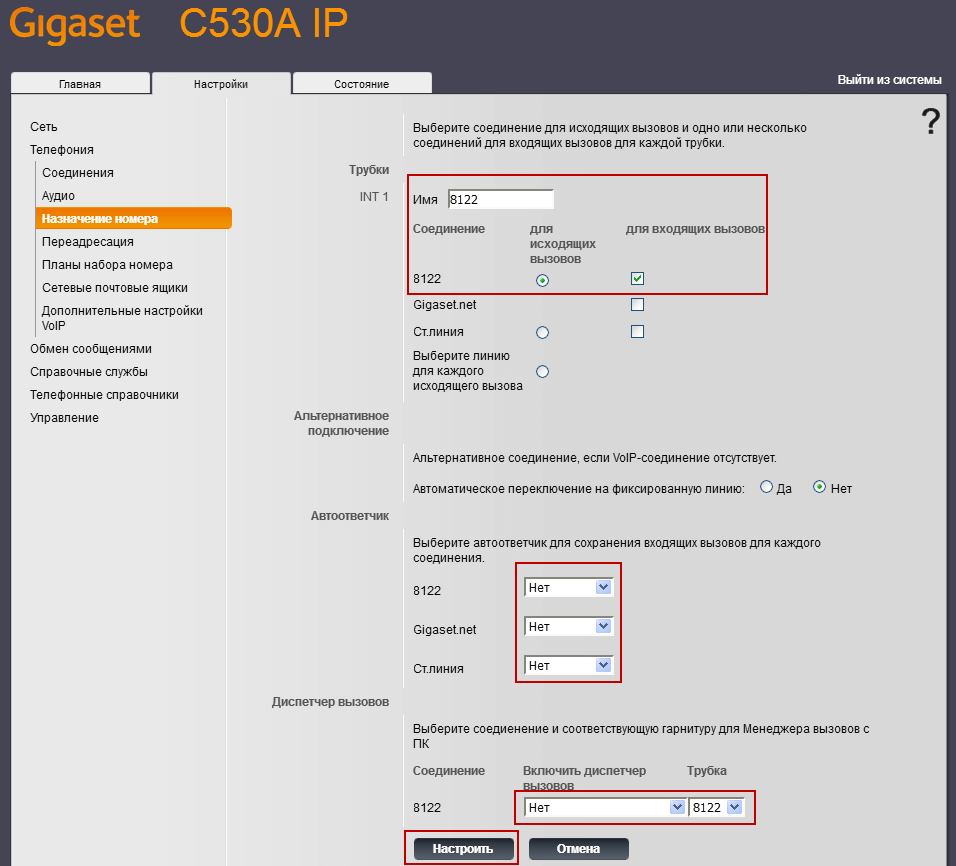
On the tab. Assignment of number fill the field Pipes. customizable 8122tick only on this number and also mark for the configurable number for incoming calls:
Tab Redirection leave it unchanged:

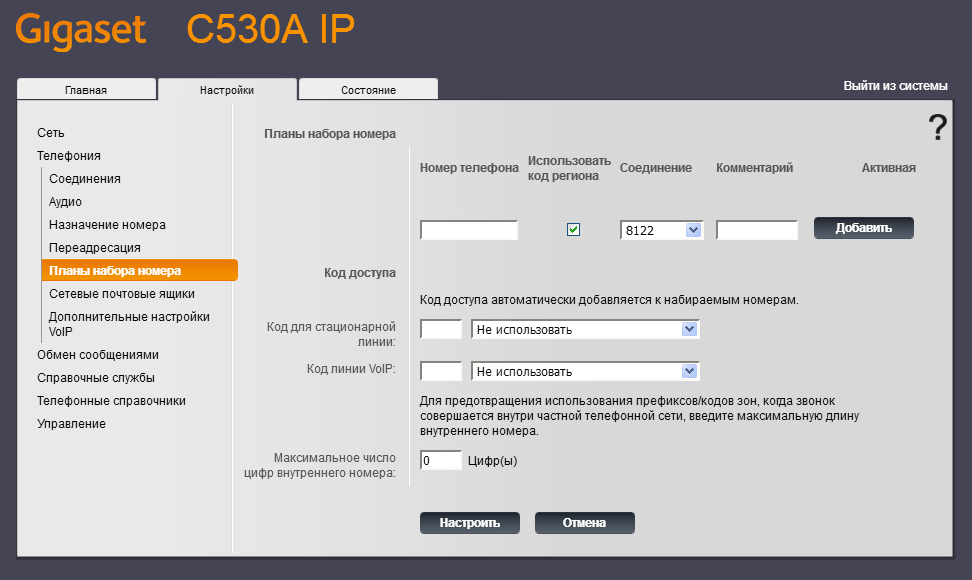
Tab Dialing plans leave it unchanged:
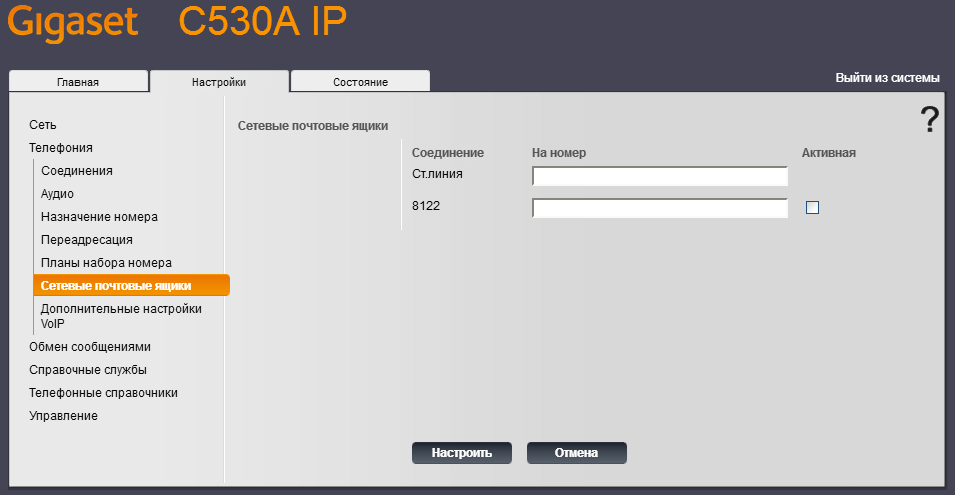
Tab Network mailboxes leave it unchanged:
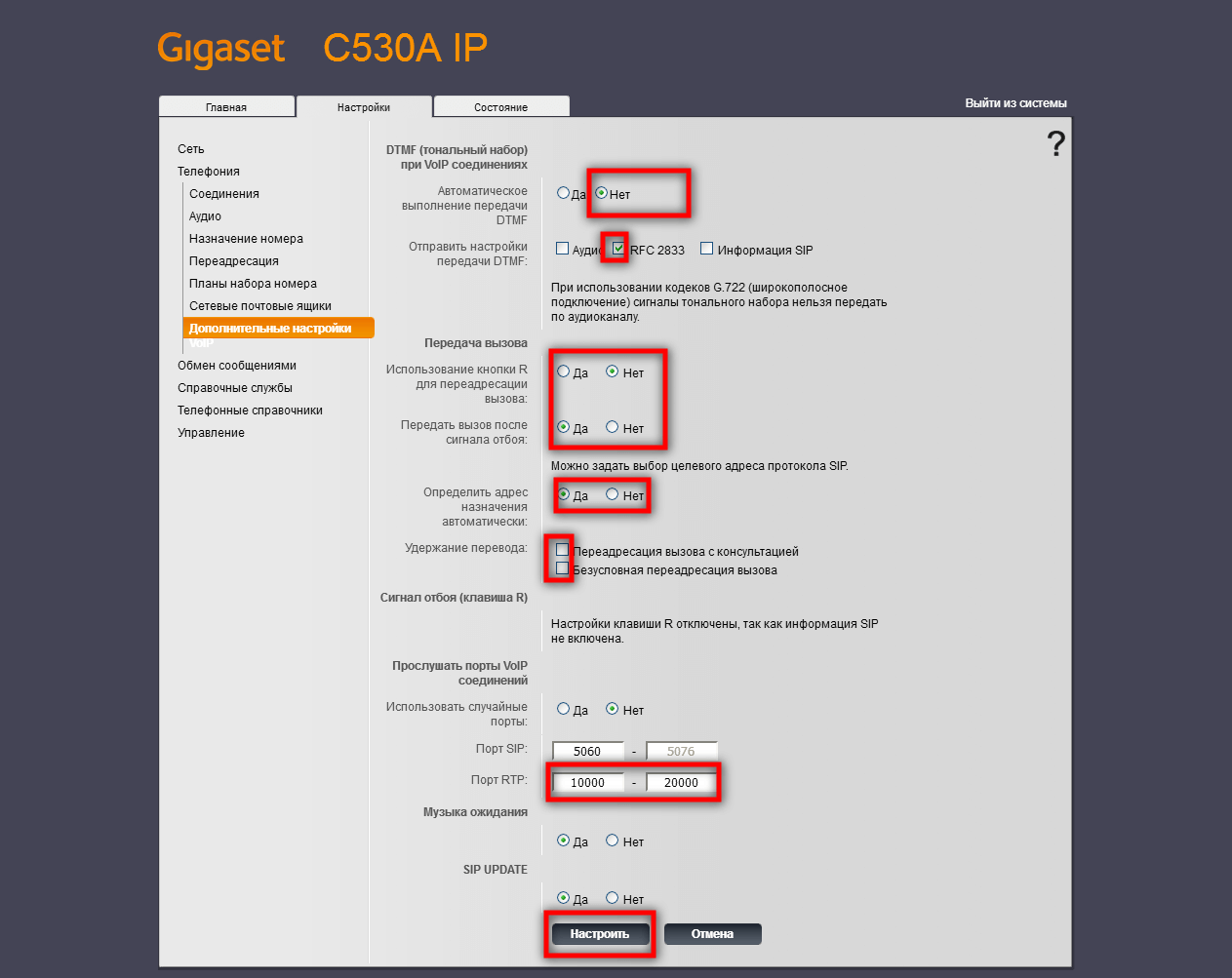
Tab Additional settings Change the screenshot below:
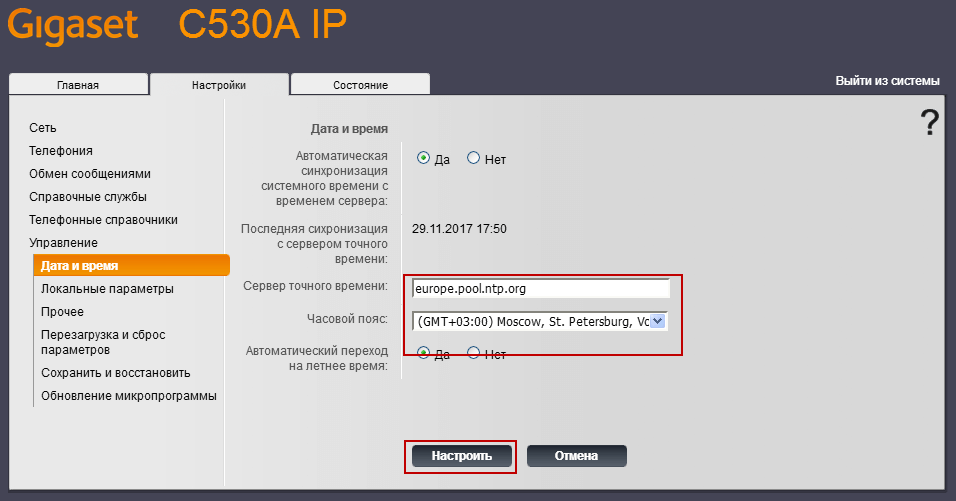
Tab Management - Date and time Changing the time zone, the time will automatically change only if there is Internet for the base:
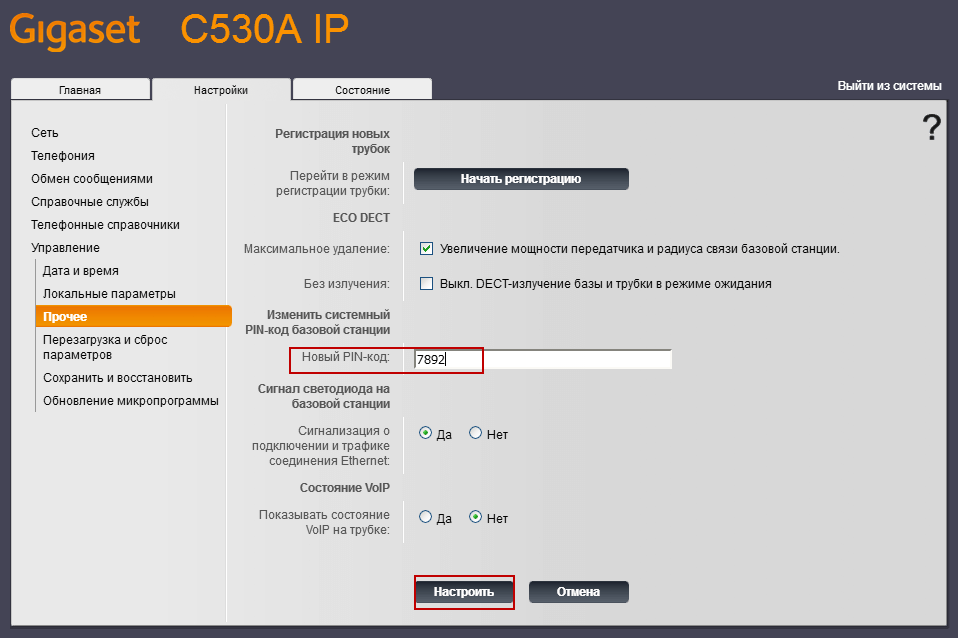
Changeable. pin tab Management - Other:
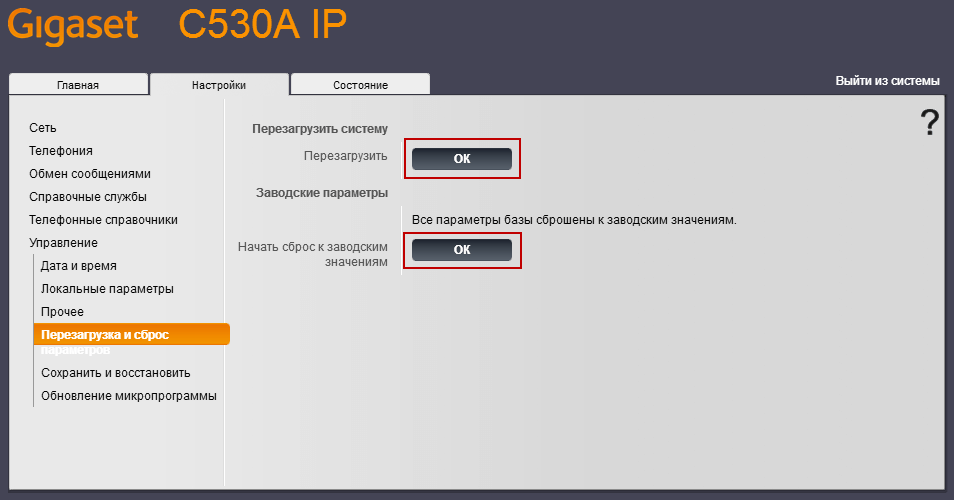
Reset settings to factory or reboot can be on the tab Management - Reset and reset:
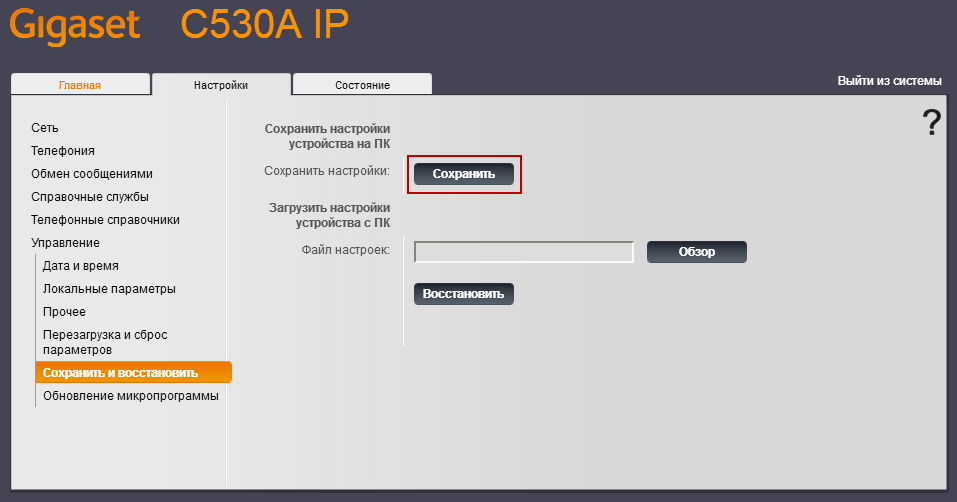
After setting up and testing the phone, you can save the base settings on the tab. Management - Preserve and restore:
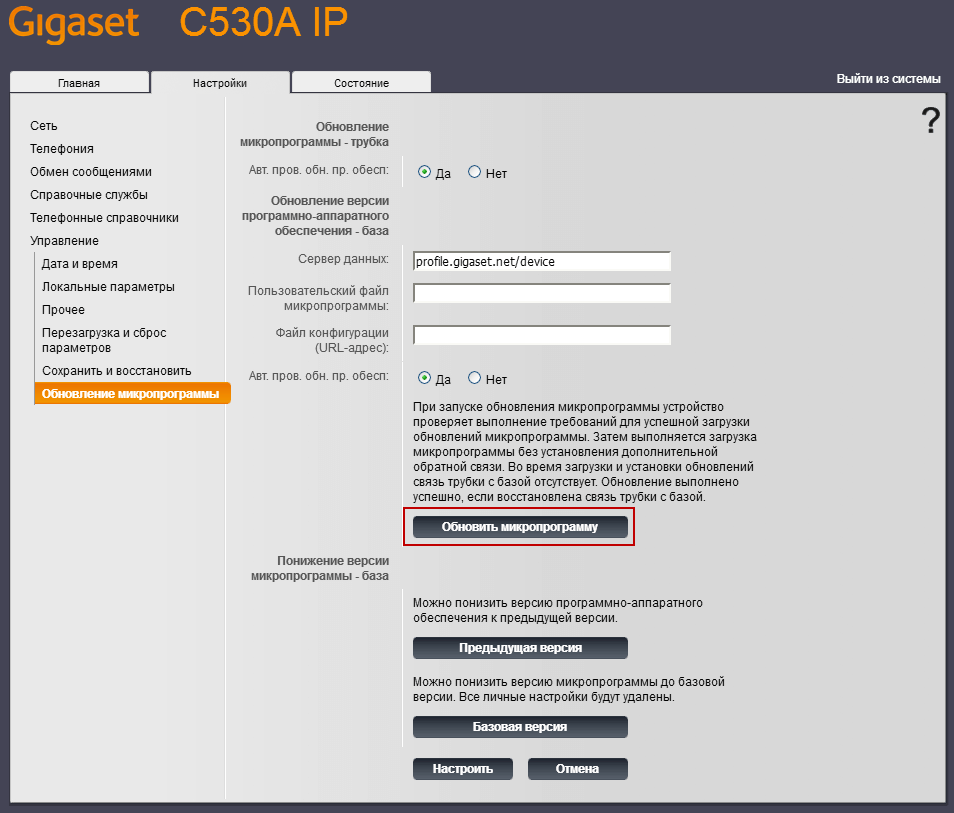
Update firmware can be made on the tab Management - Updating the microprogram, by pressing the button Update the firmware automatically downloads the latest firmware from the official site and will make an installation with a reboot:
I was with you. Sergey Lazarenko.
In this instruction, we made a setup SIP DECT phone GIGASET C530A IP and connected one phone number to the server. PBX Asterisk.

comment