
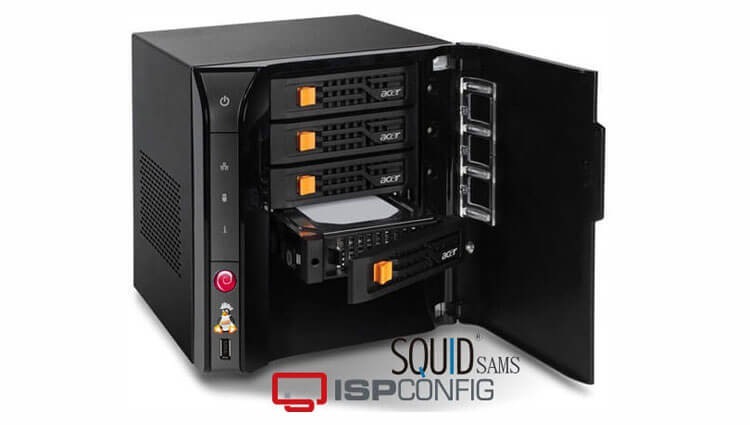
 In this manual, we will create a detailed guide to installing and configuring an Internet server for a business, office, school or other organization or for home use.
As a result, we will get such features on the server using completely free software:
-
Postal server of the enterprise, the ability to make external or internal corporate mail.
-
Web server - the ability to keep internal corporate sites, forums, CRM system for automating the work of the enterprise.
-
Database server
-
Proxy server - limiting and analyzing the attendance of Internet resources with detailed statistics of downloaded and visited sites.
-
FTP server
-
Firewall - close the server outside for the security of server services, port transfer.
We install Debian Wheezy operating system on the server according to the instructions:
Installation of Debian Wheezy server with detailed screenshots
Next, we install the free ISPConfig 3 hosting control panel according to the instructions:
Install and configure hosting panel ISPConfig 3 in Debian
Install the proxy server Squid with the SAMS web interface according to the instructions:
Install Squid proxy server with SAMS web interface in Debian Wheezy
Guidance in development.
Рейтинг статьи:

comment