
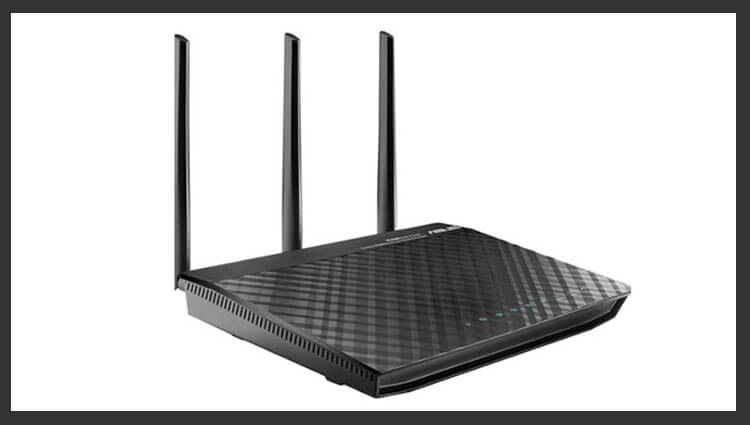
ASUS RT-N66U It is one of the most powerful routers at its time with excellent firmware capabilities both native and enthusiastic firmware, such as firmware from Merlin or Tomato. This device is not only a sample of technical equipment, but also has an interesting design. The body of the ASUS RT-N66U is made of quality plastic, and the upper surface is stylishly textured. The router not only allows you to establish a stable wireless connection in two bands, but also connect up to 4 computers using high-speed gigabit Ethernet ports. Additionally, ASUS RT-N66U is equipped with proprietary technology Asus Ai Radar, which allows you to improve network coverage, and converts the signal into a unidirectional one, thereby increasing the data transfer speed.
! Attention!!!Firmware on the router is installed at your own risk, and this action you lose the official guarantee, except that it turns out before sending to the service to fill back the official. Since I no longer have a guarantee, I am calm and not nervous.
!!!!! Definitely!!!Router-wire ONLY When you're connected by cable. By WIFI, any router is categorically stitched NOT RECOMMENDEDUnless, of course, you want to get an expensive brick.
In this guide, we will stitch the Asus RT-N66U WIFI router with Merlin’s firmware. This firmware proved to be stable in operation, added some convenience in the web interface, SSH out of the box, as well as simple installation of additional programs.
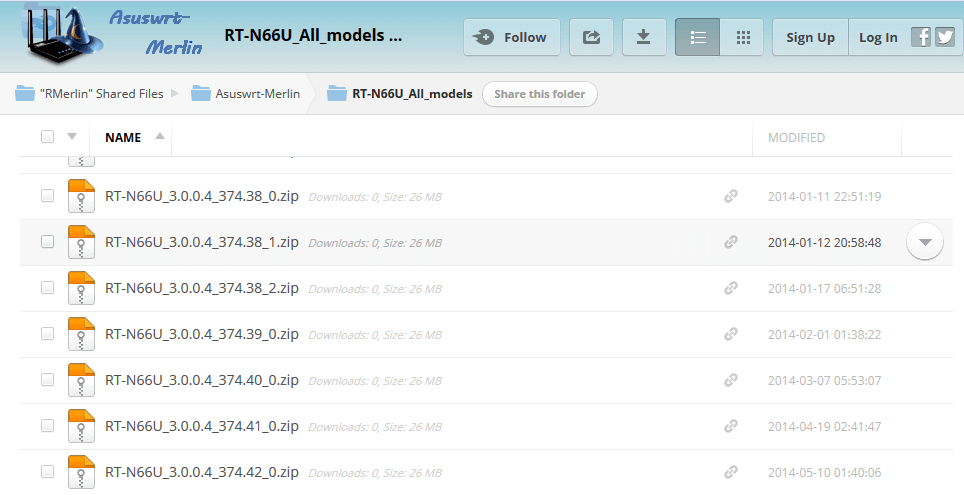
In order to download the latest firmware from Merlin for the Asus RT-N66U router, we switch to pageWe're downloading the latest firmware. At the time of my router firmware, Merlin's last firmware was RT-N66U_3.0.0.4_374.42_0.zip We'll put it in the manual and install it. If the site is not available, you can download this firmware from my website referenceBut it may not be the last one.
On the web page you will see a list of firmware on our router, click on RT-N66U_3.0.0.4_374.42_0.zip
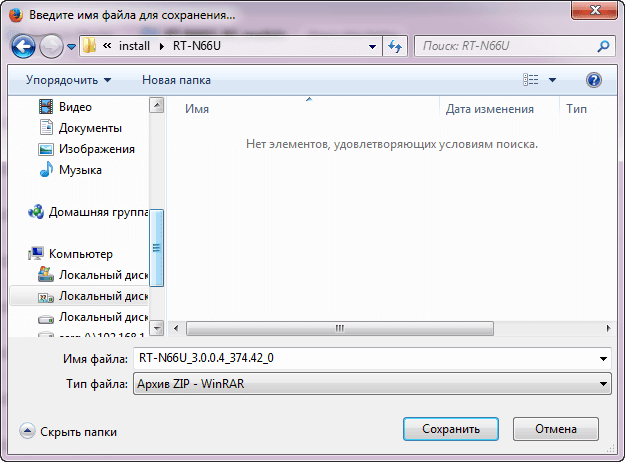
We save the downloadable firmware on the hard drive, the firmware must be uncivilized:
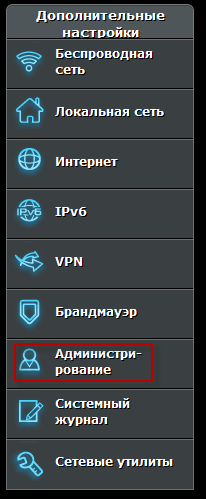
In the web interface of the router in the field Additional settings click Administration:
In the open window, go to the tab. Updating the microprogramclick in the field File of the new microprogram button Review:
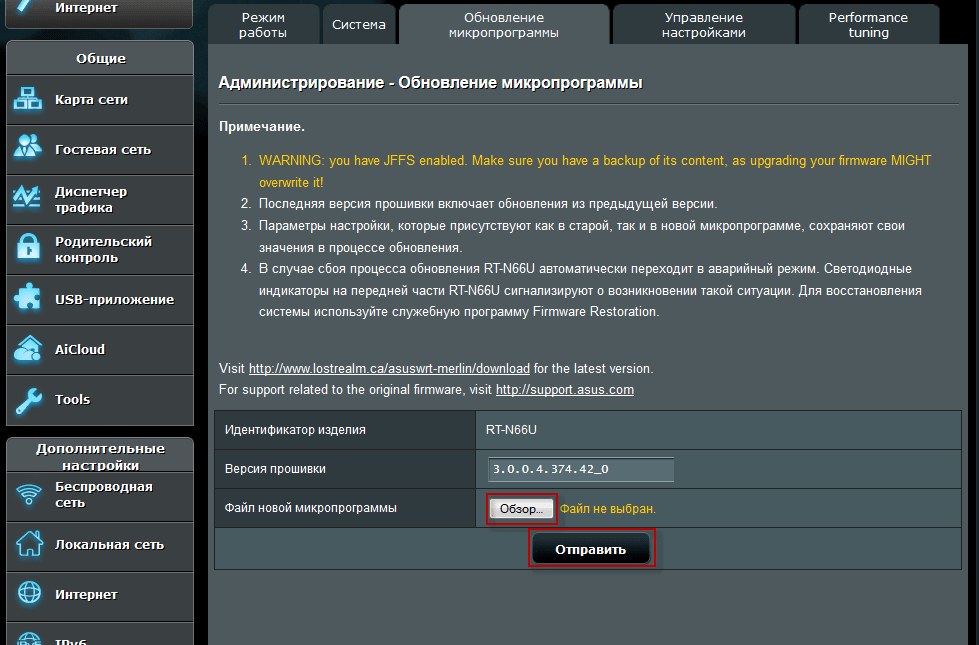
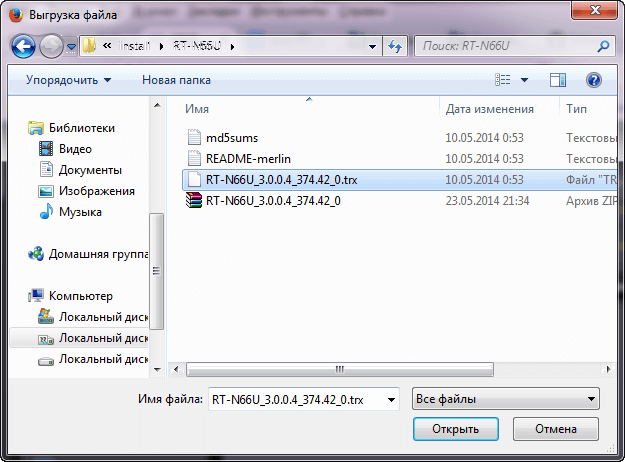
Select the unarched firmware and to start installing a new firmware click the button Send.:
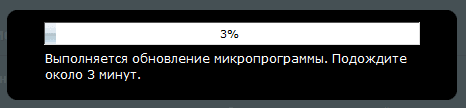
Firmware process:

After completing the firmware in the web interface, we can see the firmware number:
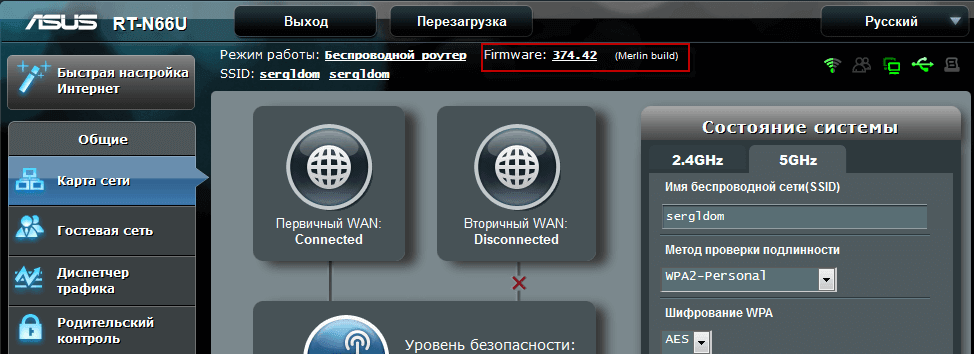
The firmware from Merlin for the WIFI router ASUS RT-N66U is installed, later wait for other instructions on how to configure this router.
I was with you. Sergey Lazarenko.
If you want a little distraction, I recommend watching a useful security video on Linux:

comment