
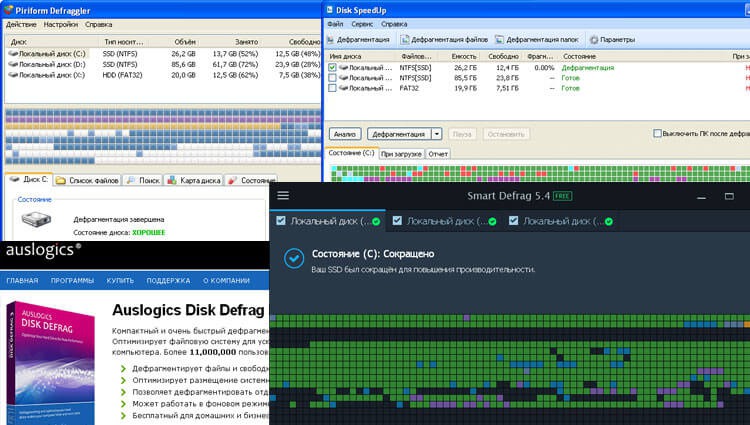
Disk defragmentation is a concept not familiar to all computer users. However, this system procedure has been envisaged for Windows since version 95. The program was part of the service software, and if necessary, the user could use it at any time.
Briefly on disk fragmentation
The device for collecting and storing information is a hard drive. The device is also called a hard computer disk. Equipped with a powerful hard drive computer will help you choose price.ua. But no matter how powerful and productive the hard drive is, it needs a defragmentation service.
Such a need usually manifests itself some time after buying a computer - six months, a year. It all depends on what types of files the user prefers in the work. Gradually, chaotically scattered fragments of files are formed in the hard drive’s storage area. Access to them is being disrupted. And the more such files, the worse the situation becomes – the performance of the computer decreases. For the average user, the effect of pronounced fragmentation is noted:
- slow-moving programs,
- Frequently "hang" the computer,
- by the long launch of the machine,
- partial loss of data.
To return the normal state will help only defragmentation - ordering information on the hard disk.
The old service in the new Windows
Users of older versions of Windows were asked to run the defragmentation service manually. However, a rare computer owner turned to this feature. As a result, many of the “refuseniks” at one fine time simply lost their drives due to their failure. The creators of Windows 10, apparently, took into account this point and therefore made defragmentation run automatically. But according to advanced computer users, the effectiveness of the program is not very high.
A quick overview of some free disk defragmentation utilities in Windows 10
Productive work with the hard drive, as well as extended control promise several utilities for Windows 10 from third-party manufacturers. Here is a random list of some of them, we will do for each mini review, download, install and defragment our hard drive.
- Smart Defrag
- Disk SpeedUp
- Disk Defrag
- Defraggler
Smart Defrag - a free product of the well-known company IObit, which has released many interesting utilities to the software market. The Smart Defrag program is distinguished by a “smart” approach to performing ordering operations. It not only optimizes the location of files, but puts them in place depending on the frequency of access to these files.
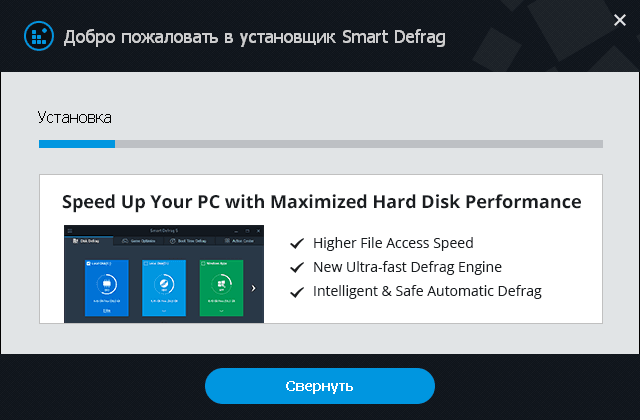
Download this program from the official website and install. And then I was stupid and noted the checkbox for an additional installation. Advanced SystemCare FreeI strongly recommend you not to do this:
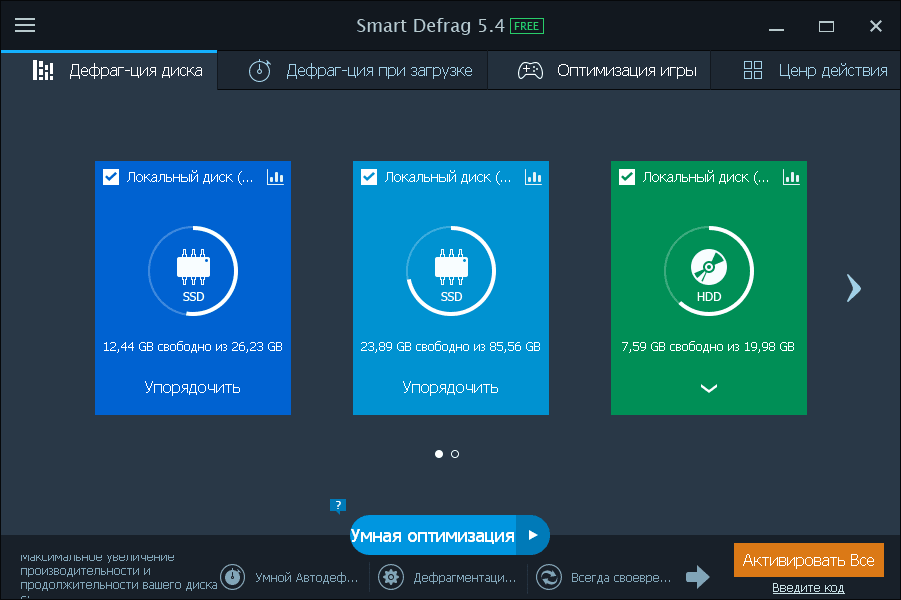
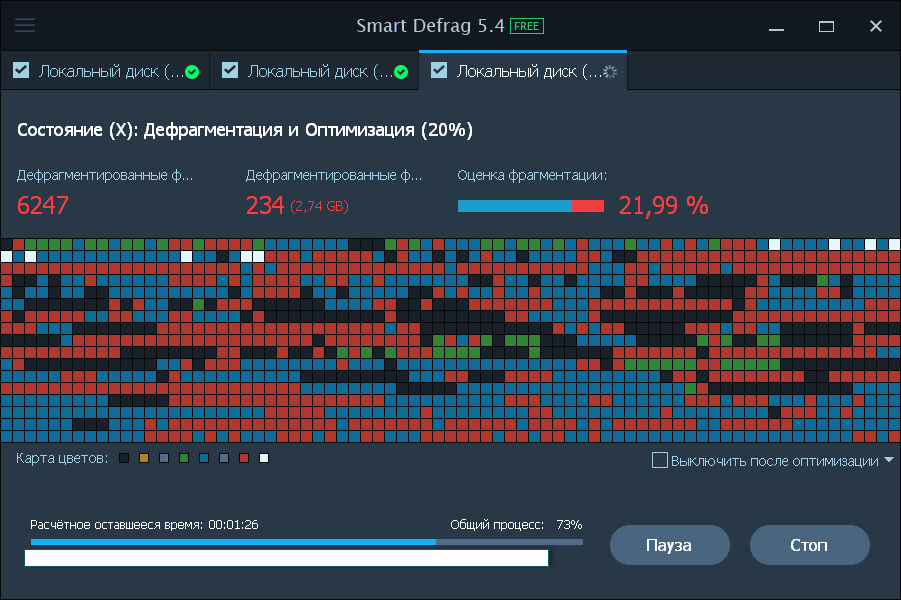
Here we see the process of defragmentation of one partition of the disk:
What surprised me was the advertisement that appeared:

Pop-ups demanding system optimization because I ticked the checkbox with Advanced SystemCare Free:
The defragmentation process has been completed, and because my hard drive is a high-speed SSD, this procedure took a very short time:
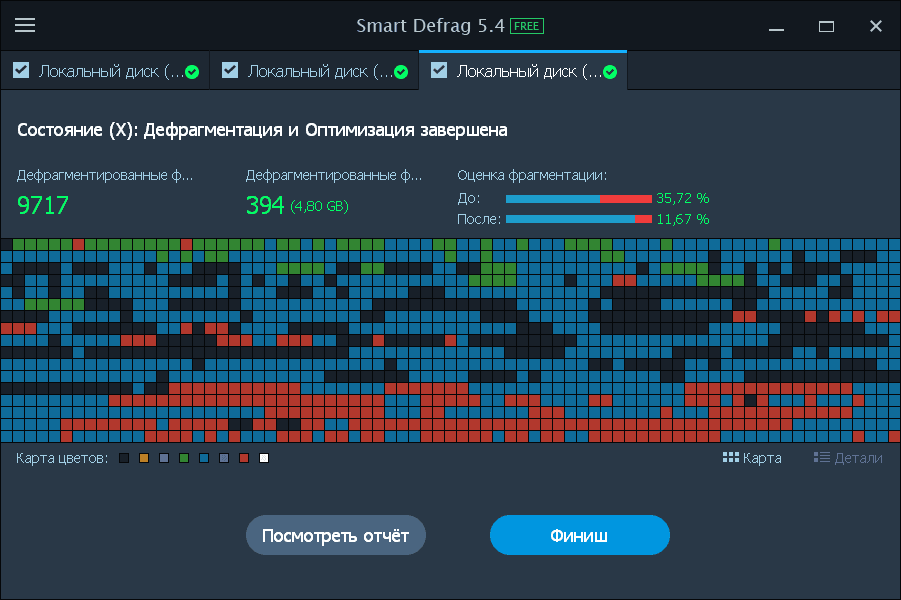
After the defragmentation was completed, I decided to remove this Smart Defrag program and saw another undemanded IObit Uninstaller program:
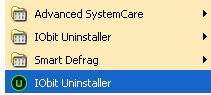
At the end, I can say that I would not advise to put this program, it is installed with additional programs, advertising constantly pops up, which causes just wild irritation. I had to remove Smart Defrag with the help of UninstallTool, which did a great job and cleaned my system from all the garbage that formed after installing this “Wonderful” utility.
Now, let’s move on to the second one from our little list, what is it?
Disk SpeedUp Software that quickly restores the speed properties of the computer. This utility is notable for its simple user interface, where everything is clear without unnecessary help even to a beginner. The process of defragmentation is qualitatively visualized.
We are starting to download and install:
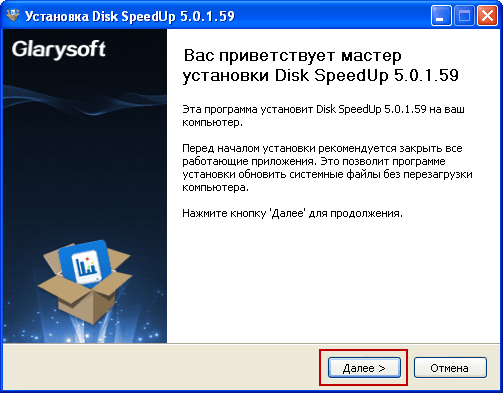
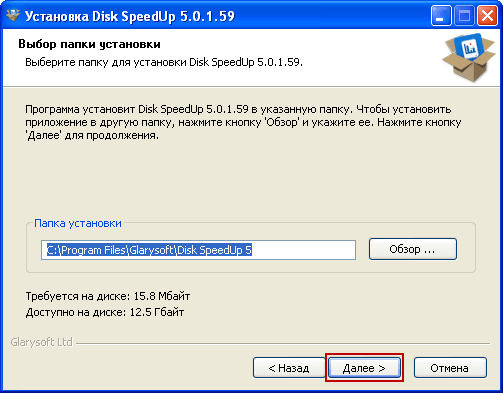
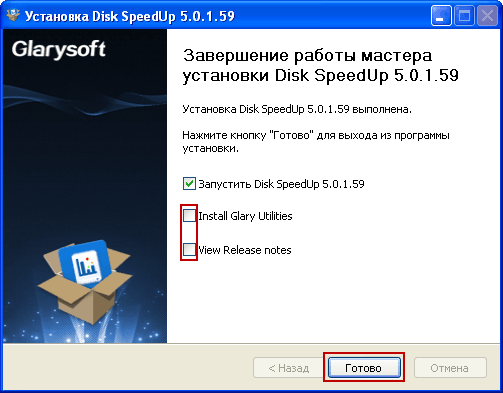
At the end of the installation, I will check the box from the installation. Glary UtilitiesSince the constant ad pop-ups and additional optimization pop-ups have convinced me not to do so anymore. After installation, run the program and see a list of disk partitions that can be defragmented:
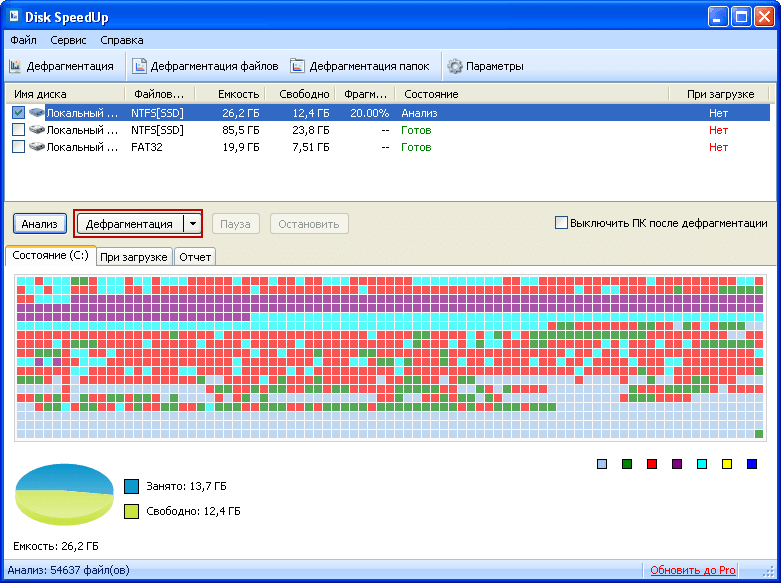
After running the defragmentation on disk C, the system warned me that I have an SSD and for it defragmentation is not recommended, as it can reduce the lifespan, I agree, once said is not scary. So I asked myself, what did the previous program defragment if it also marked in red and defragmented for about the same amount of time?

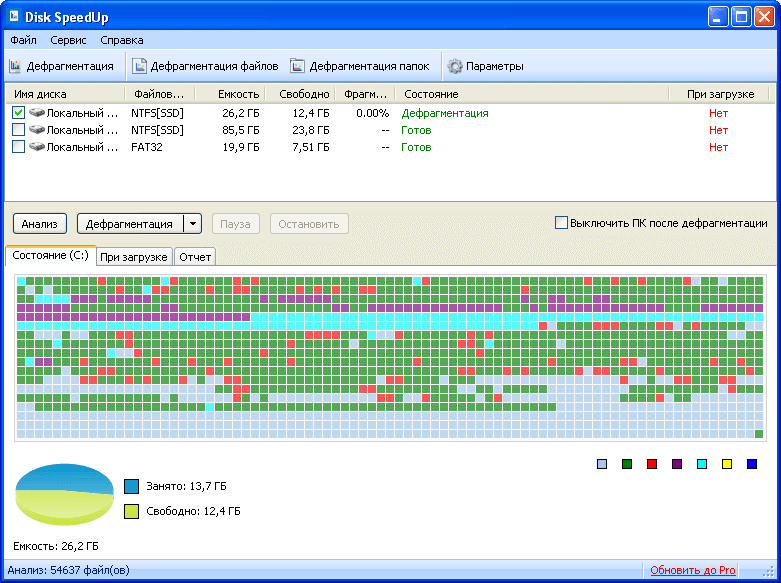
After completing the defragmentation process, we make a small conclusion, the program works, advertising pop-ups are not noticed, worked well.
Next on the list of utility I was unpleasantly struck.
Disk Defrag Another “successful” utility for Windows 10, which in addition to all the basic features, can turn off your computer after you finish work. Users have the ability to fine-tune the program with an indication of defragmentation priorities. This is one of the few programs that performs high-quality optimization of SSD drives.
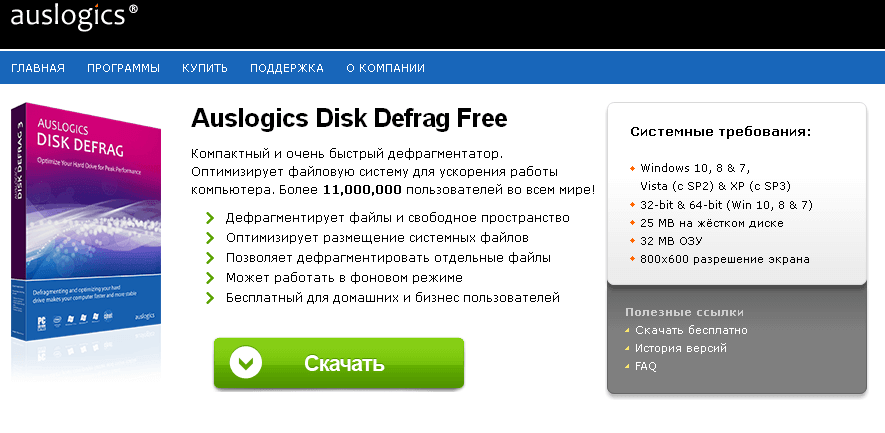
I could not check this whole set of functionality, since during the download my antivirus disliked this program and found a problem, so put yourself such a thing. G. I didn't, and I don't advise you:
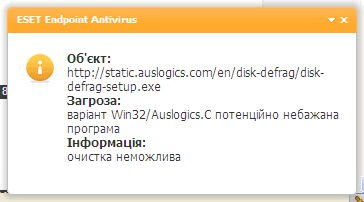
Conclusion Disk Defrag It is easy to bypass such software on the tenth road.
Well, what will please us the latest in this mini review program for defragmentation of the disk.
Defraggler The free utility from Piriform Limited is also not deprived of the ability to work with SSD disks. British programmers tried to make software that is convenient on all sides for the user of Windows 10. It works both with individual files and groups, and with full sections of the media.
After clicking on the download of the program from the official website, we were overtaken to download to another few pages, and on one of them Antivirus began to swear, but the installer did not react, I downloaded it and installed:
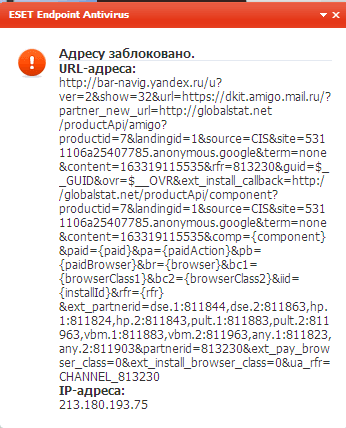

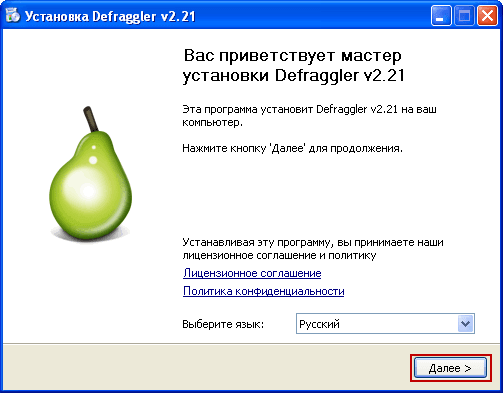
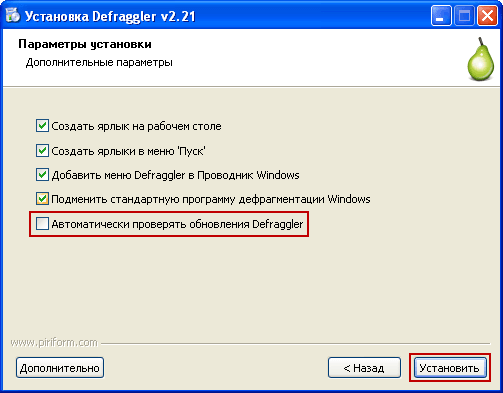

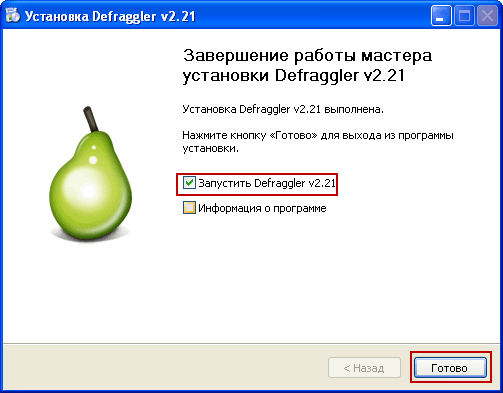
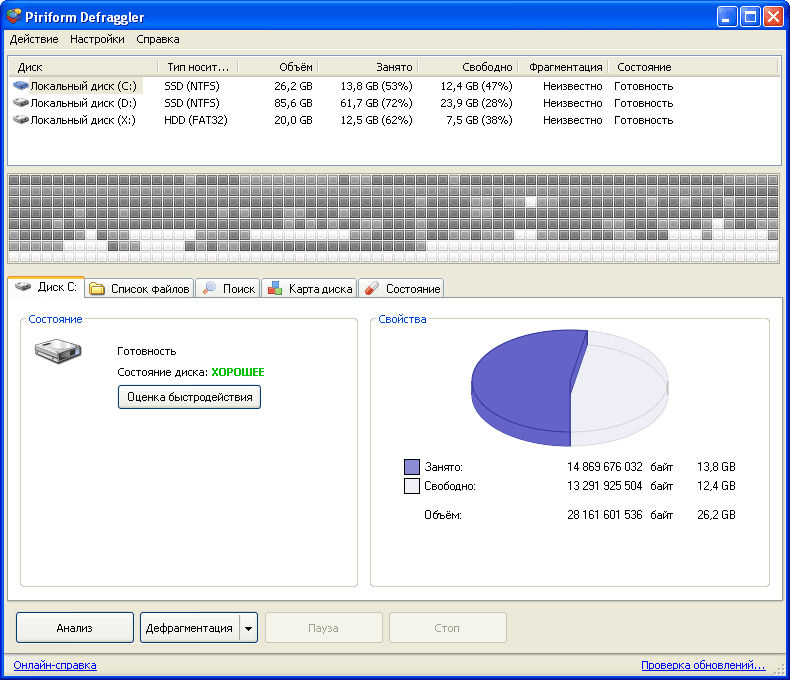
The only program in this mini review, which was not a checkbox for the installation of additional programs. After installation Defraggler We run the program and see what it offers us, the interface is quite pleasant:
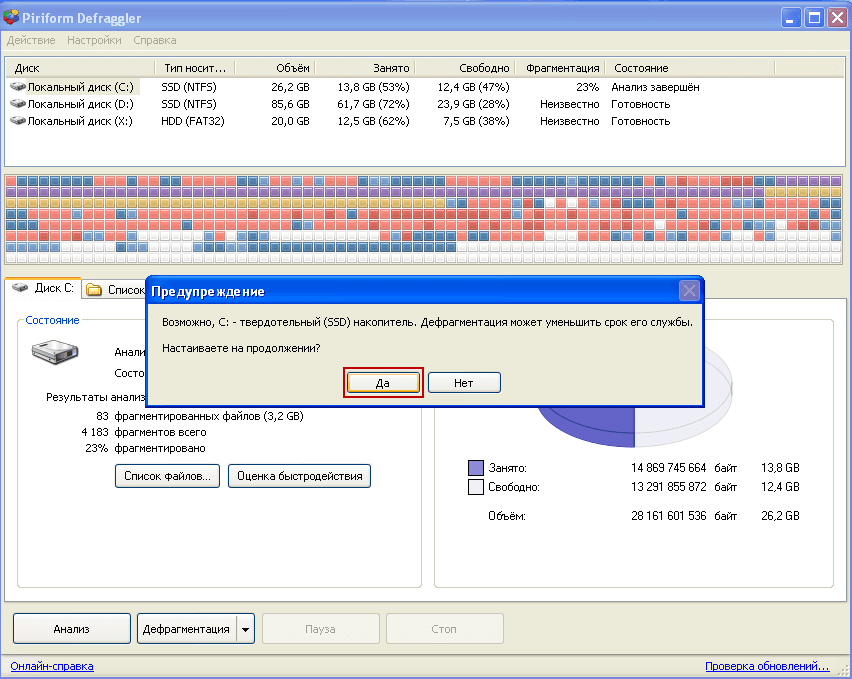
On request for defragmentation, the only one from the review suggested cleaning the basket. Also warned about the decrease in the work of the SSD during defragmentation:

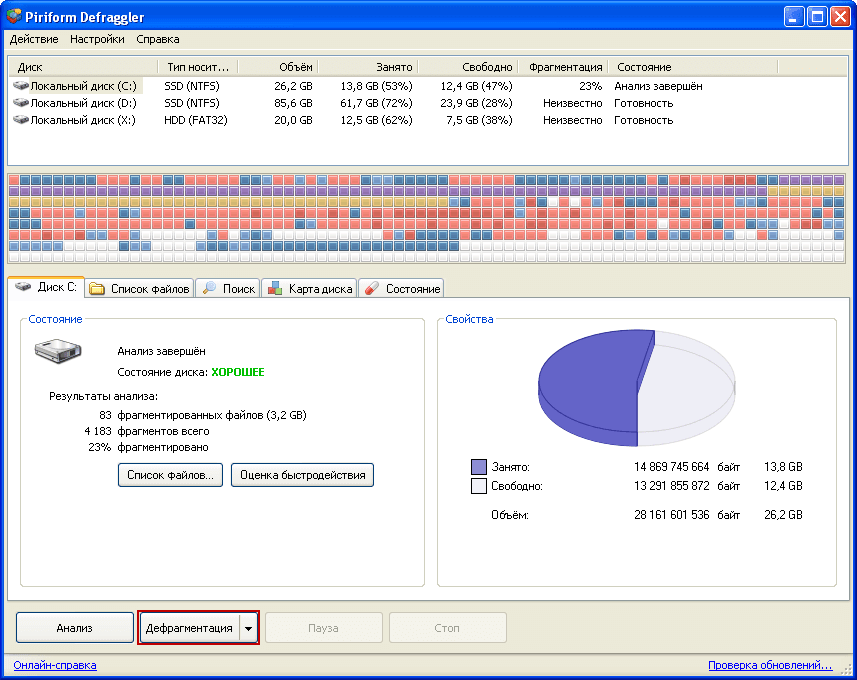

The defragmentation itself was carried out, after the two previous programs, there was still something to defragment, it is not even very clear what they all defragment, if the next one does the same after each. Although, of course, I've been deleting the installed program, and maybe the space from it is defragmenting.
Conclusion
There is no need to worry about Windows 10. Automatic defragmentation can prolong the life of hard drives. But the functions of good software should not be abandoned either. The combination of system service and “smart” utilities is the best stability and high speed of the computer. But I advise you to carefully approach the download and installation of "Wonderful, advertised and free" utilities for any purpose without a good antivirus with current virus bases. To pick up a nasty thing in the system, no one is immune from it. Be prudent and take care of your computer’s operating system.
I was with you. Sergey Lazarenko.
Let’s take a short break and watch a small video of how to wash clothes in camping conditions:

comment