


I have an English lesson file recorded from a built-in laptop microphone. Naturally, when recording from a laptop microphone, high noises. It was necessary to quickly reduce the noise a little bit, so it was more comfortable to listen to the lesson in the MP3 player.
We will use the Adobe Audition CS5 Portable version downloaded from the Internet in Windows XP to create this lesson.
An example of the original mp3 file, cut out for 10 seconds:
An example of a processed mp3 file, cut out for 10 seconds:
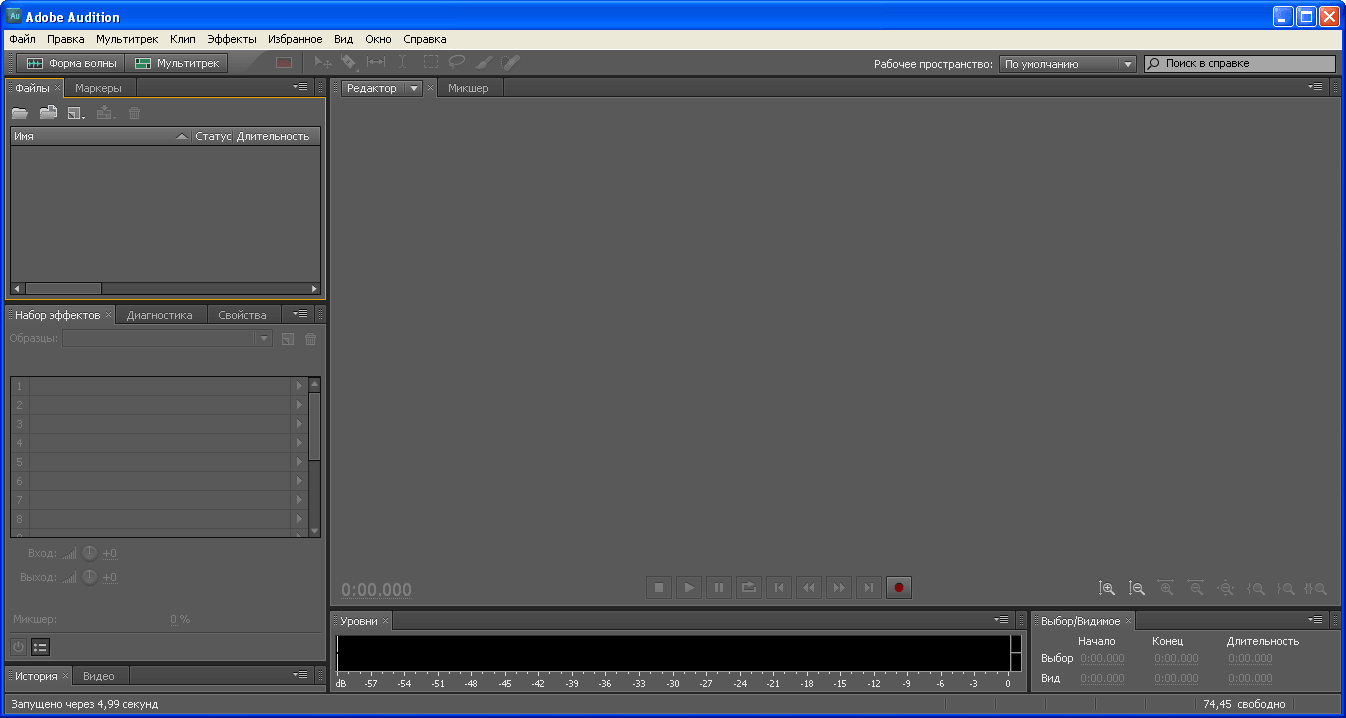
The running Adobe Audition CS5 window looks like this:
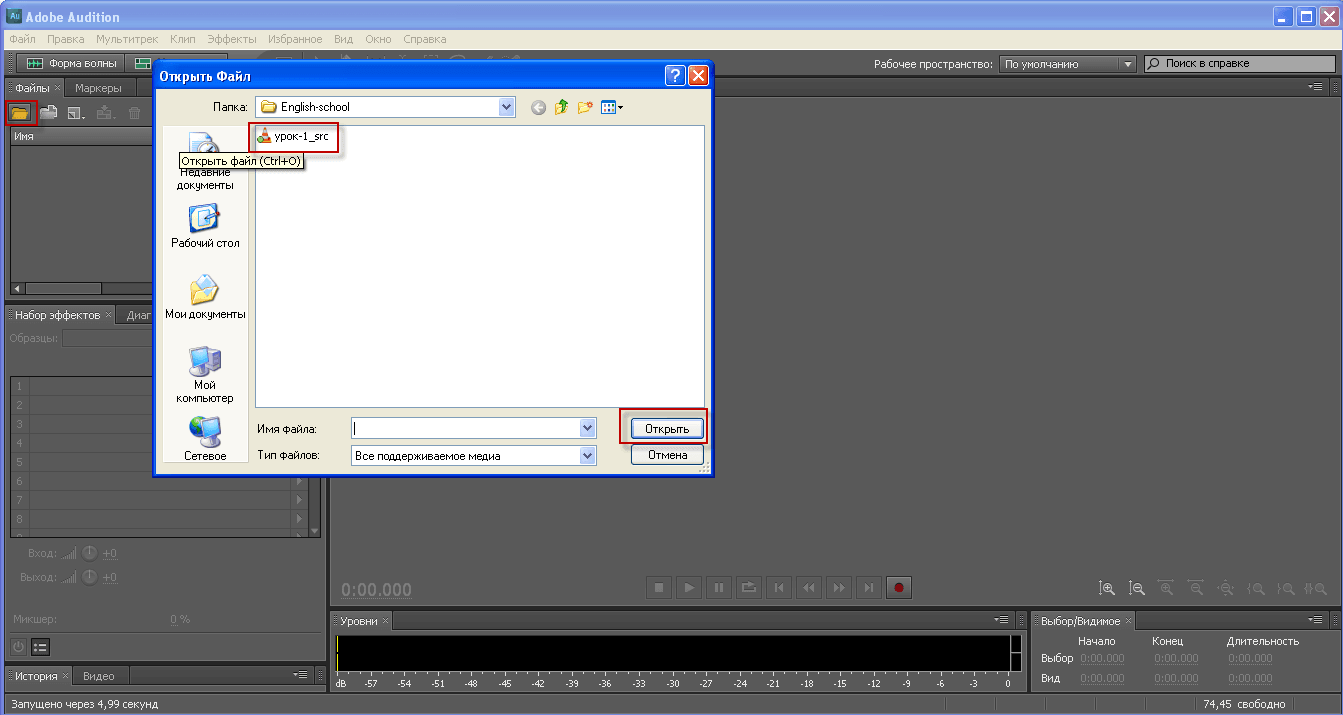
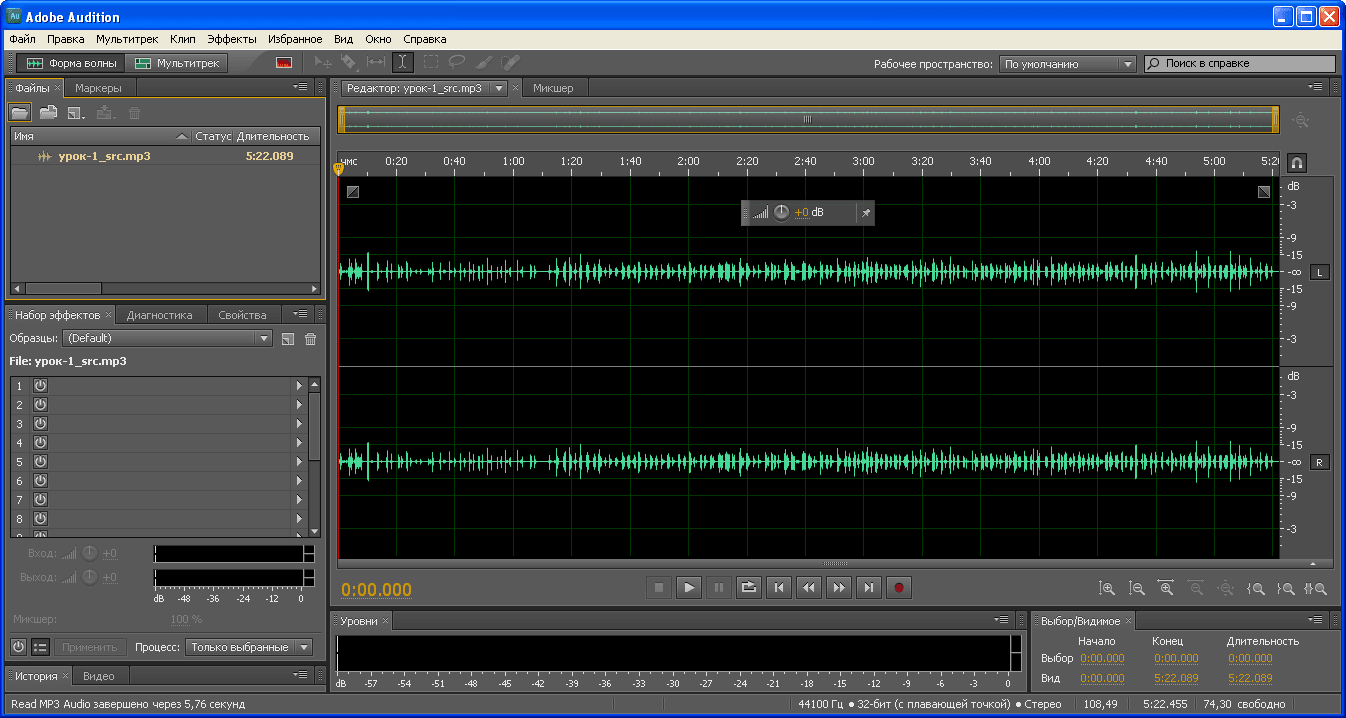
Click on the folder and open the mp3 file, from which we will cut out the noise from the microphone:
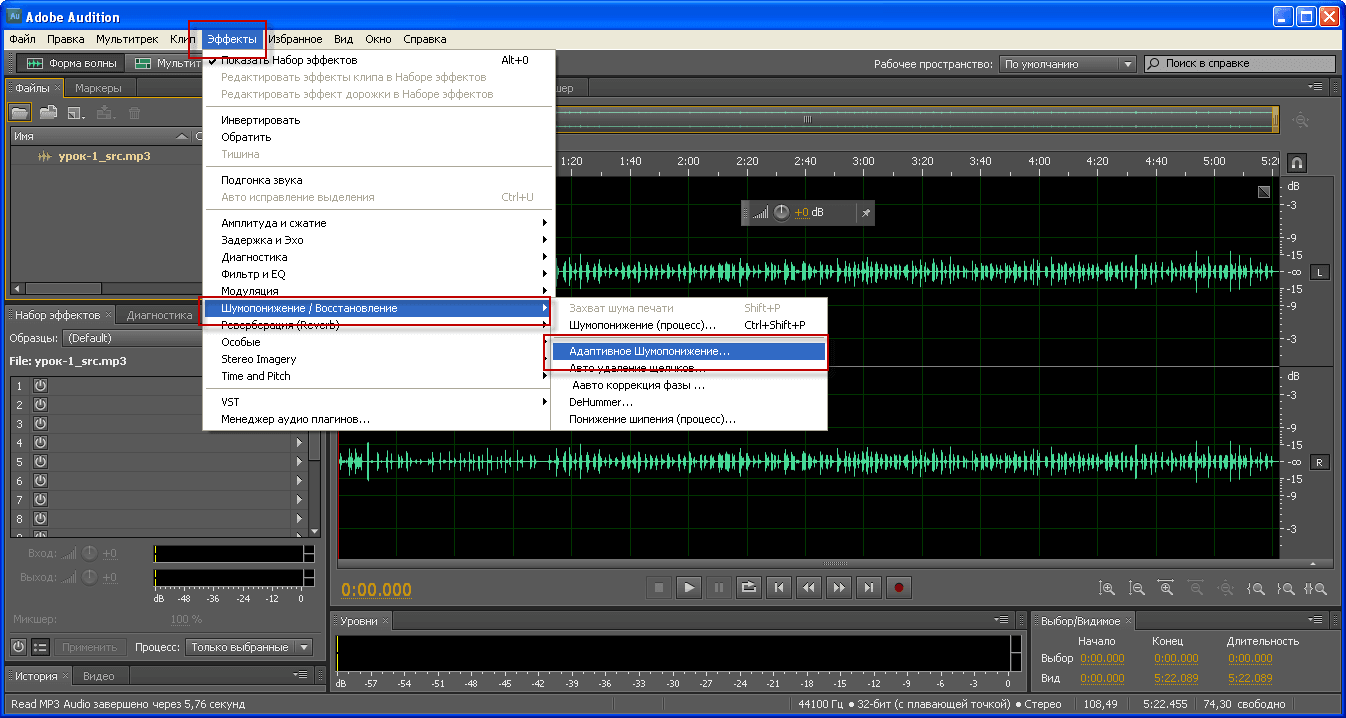
In order to remove the noise from the mp3 file, you need to go to Effects. - Noise reduction/Recovery - Adaptive noise reduction:
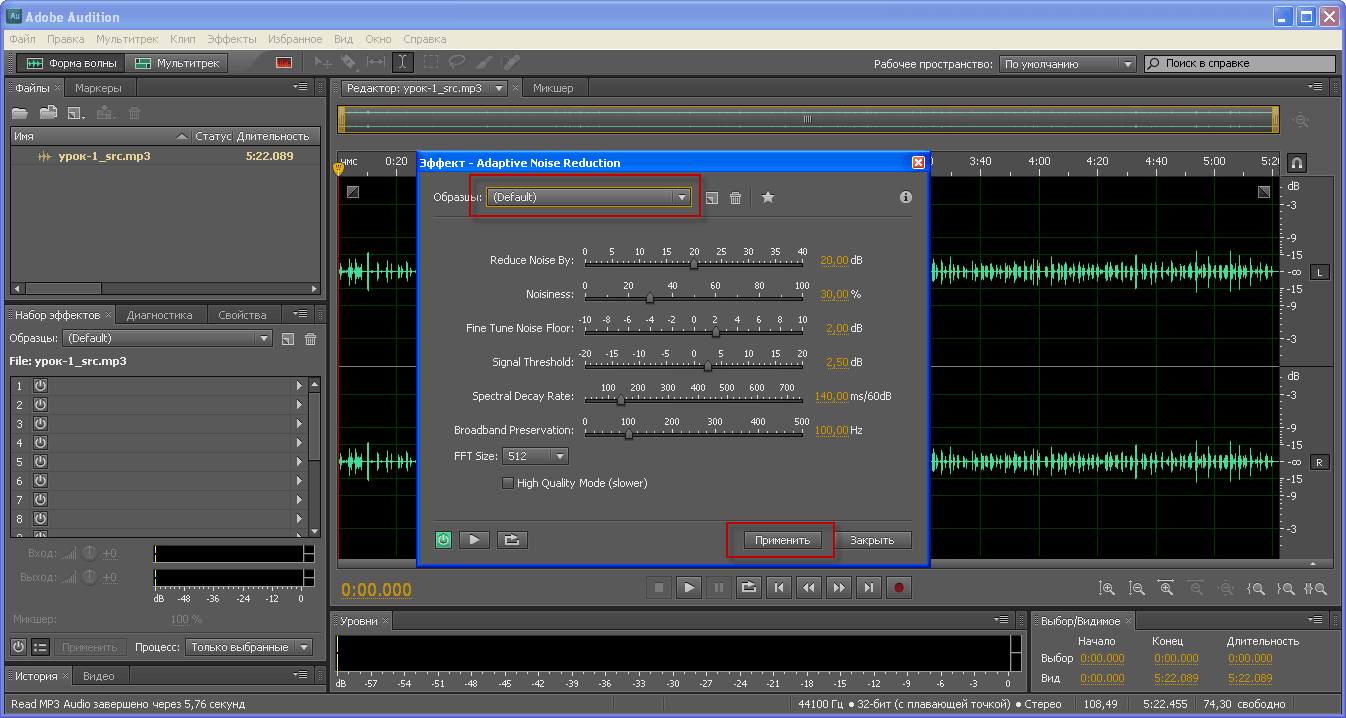
In the open window in the field Samples. choose (Default)pressed Apply:
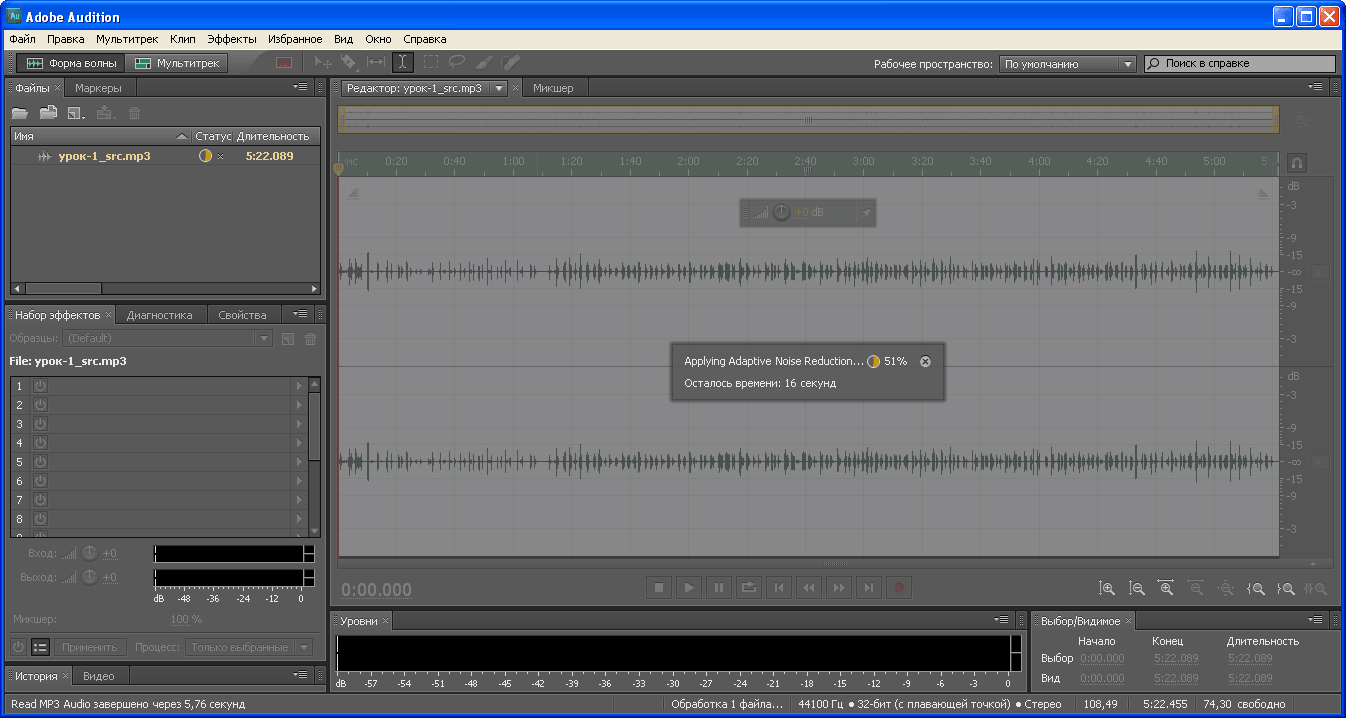
There is a process of applying the filter in Adobe Audition to remove microphone noise in mp3 file:
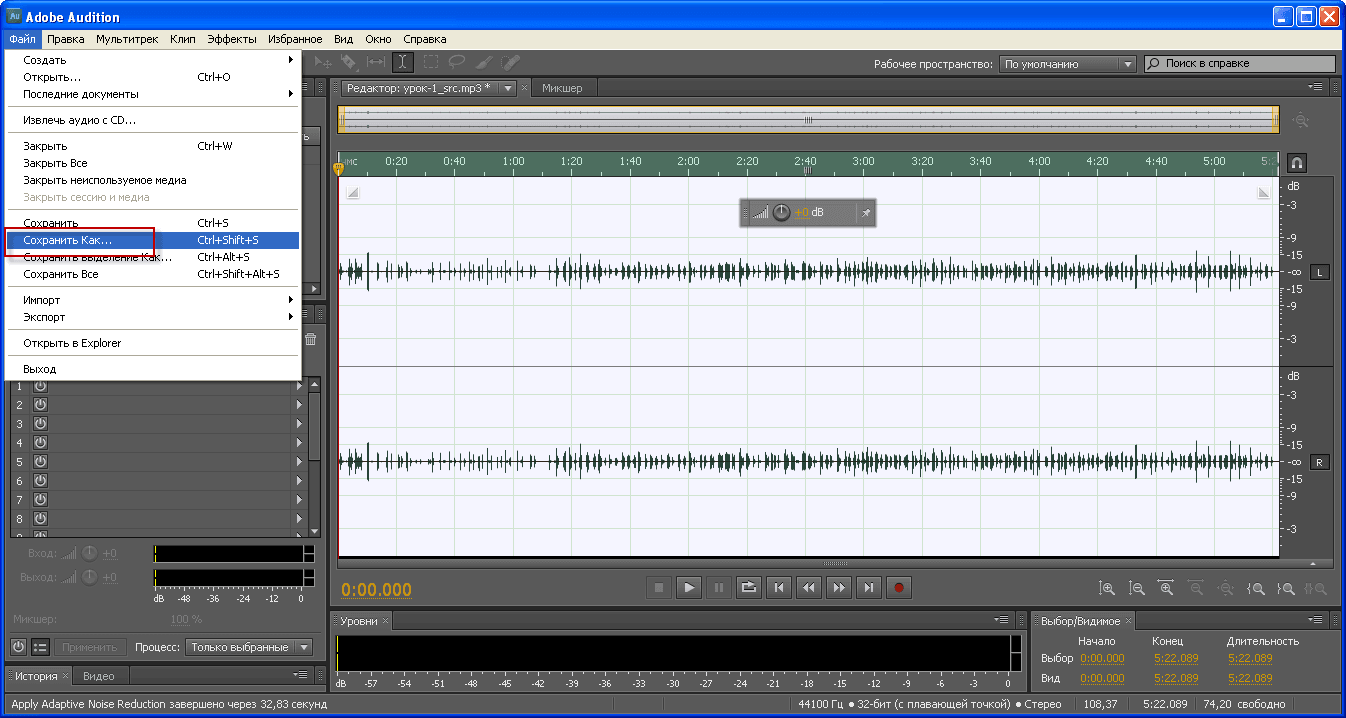
Save a modified mp3 file with retracted noise in Adobe Audition by clicking File. - Save How.:
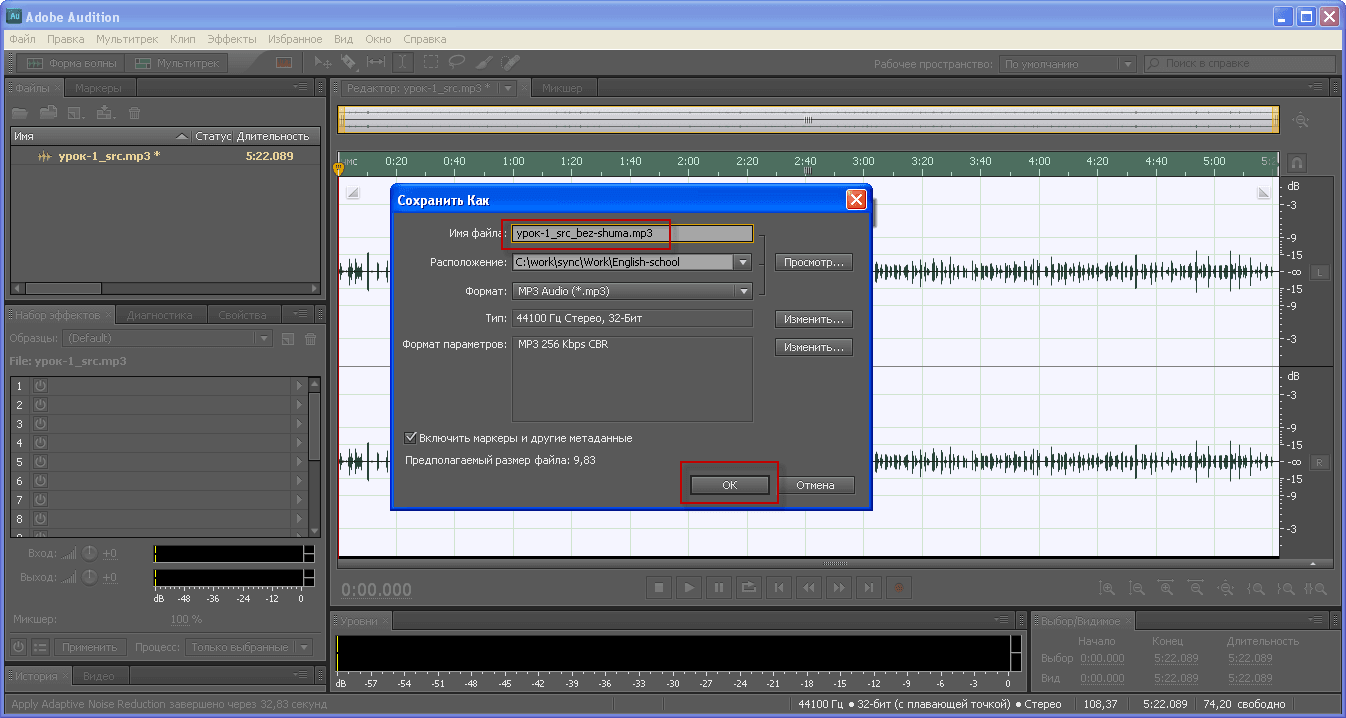
Save the modified mp3 file with retracted noise in Adobe Audition, specify the name mp3 file different from the original and click OK:
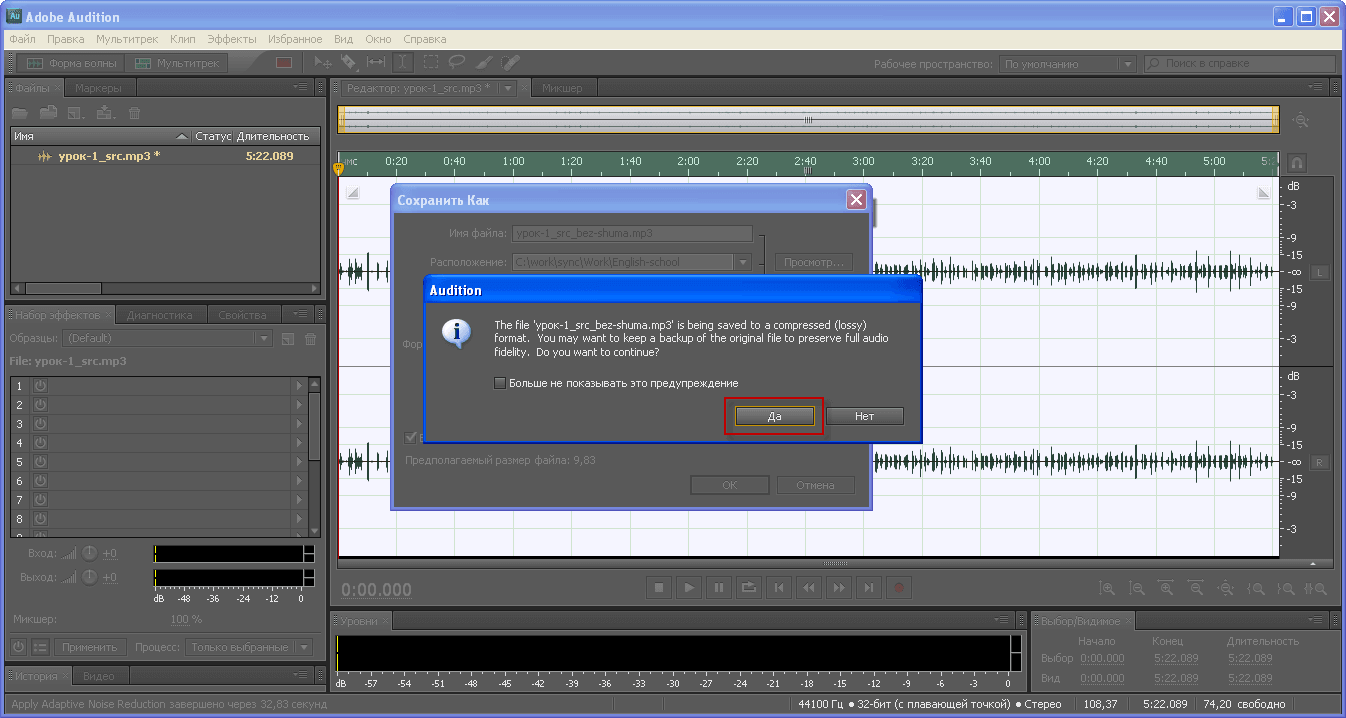
Accept the warning of Adobe Audition and click Yes.
With the task of reducing noise in the recording from the microphone, we coped.
I was with you. Sergei Lazarenko.
Let's take a short break and see how a person can fly without an airplane using high-altitude planning, a very beautiful video:

comment