

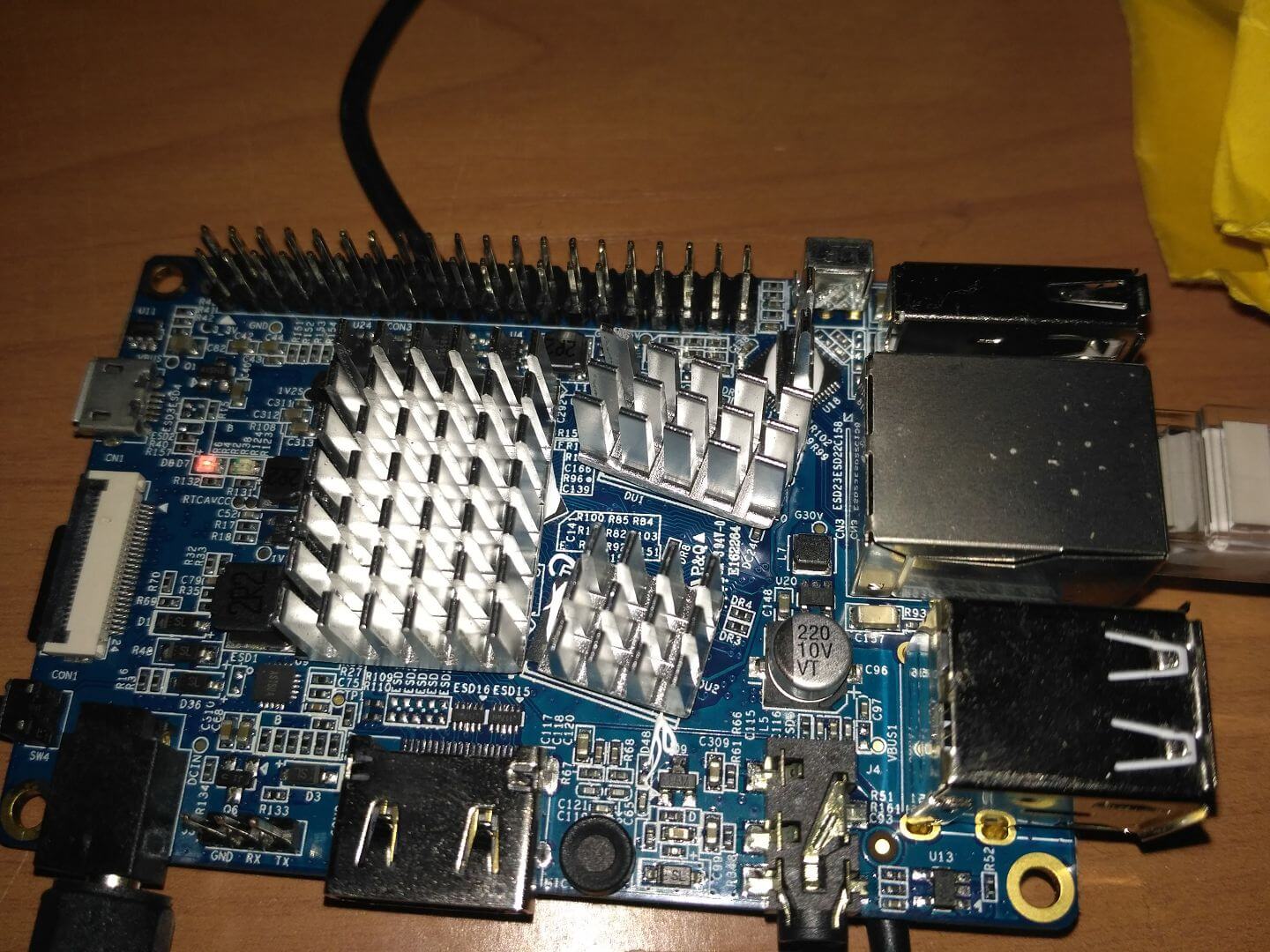
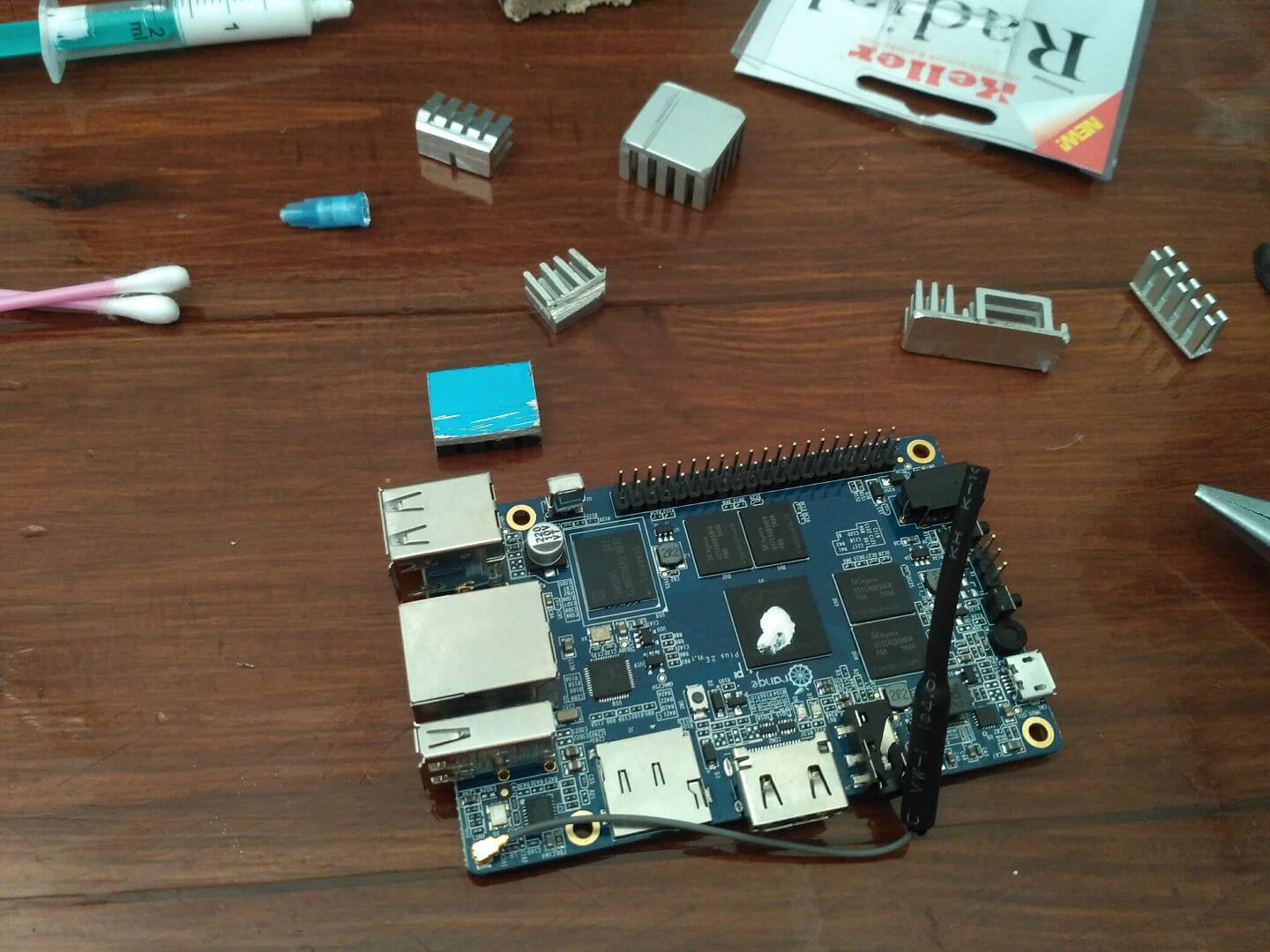
Using both office or home mini server single board computers such as OrangePi Plus, OrangePi PC2, Raspberry Pi versions 1, 2, 3 and other manufacturers, it is necessary to glue the radiator on the processor, network chip for passive cooling. In order not to buy radiators separately, I use one large radiator from an old graphics card. Using a saw on metal, we cut the radiator into several parts. If there is no saw on metal, you can use a file, for example, I tried to use a file, the photo below shows a file from a multi-tool:
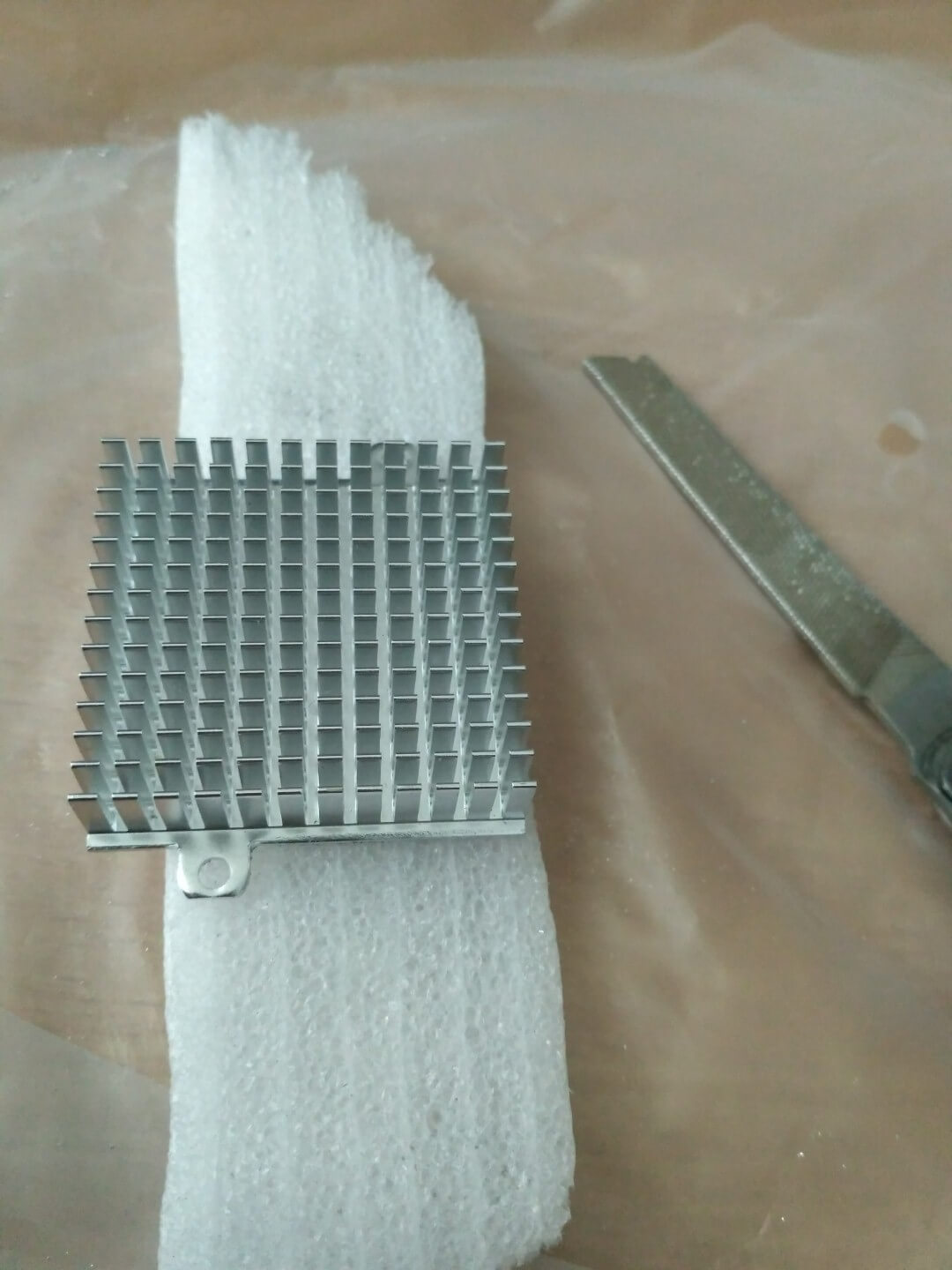

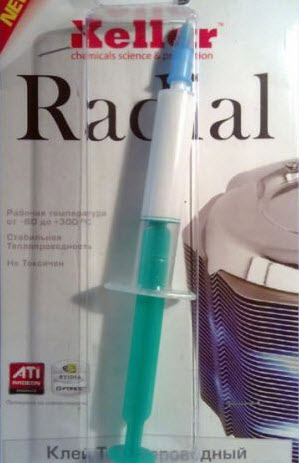
Using a saw on metal sawed radiator, I glue the radiators as much as possible on all chips on the board, if the radiators are not glued, then due to the fact that the board put a processor with two or more cores, from overheating of the core processor disconnected. Instead of four cores, first three, then two cores are seen, which causes the processor power to drop. If you glue the radiator to thermoscotch, the efficiency of heat transfer is quite low and the cores are also turned off when loaded. For passive cooling radiators, I use thermal glue. Radial:
Body for Orange Pi PC2
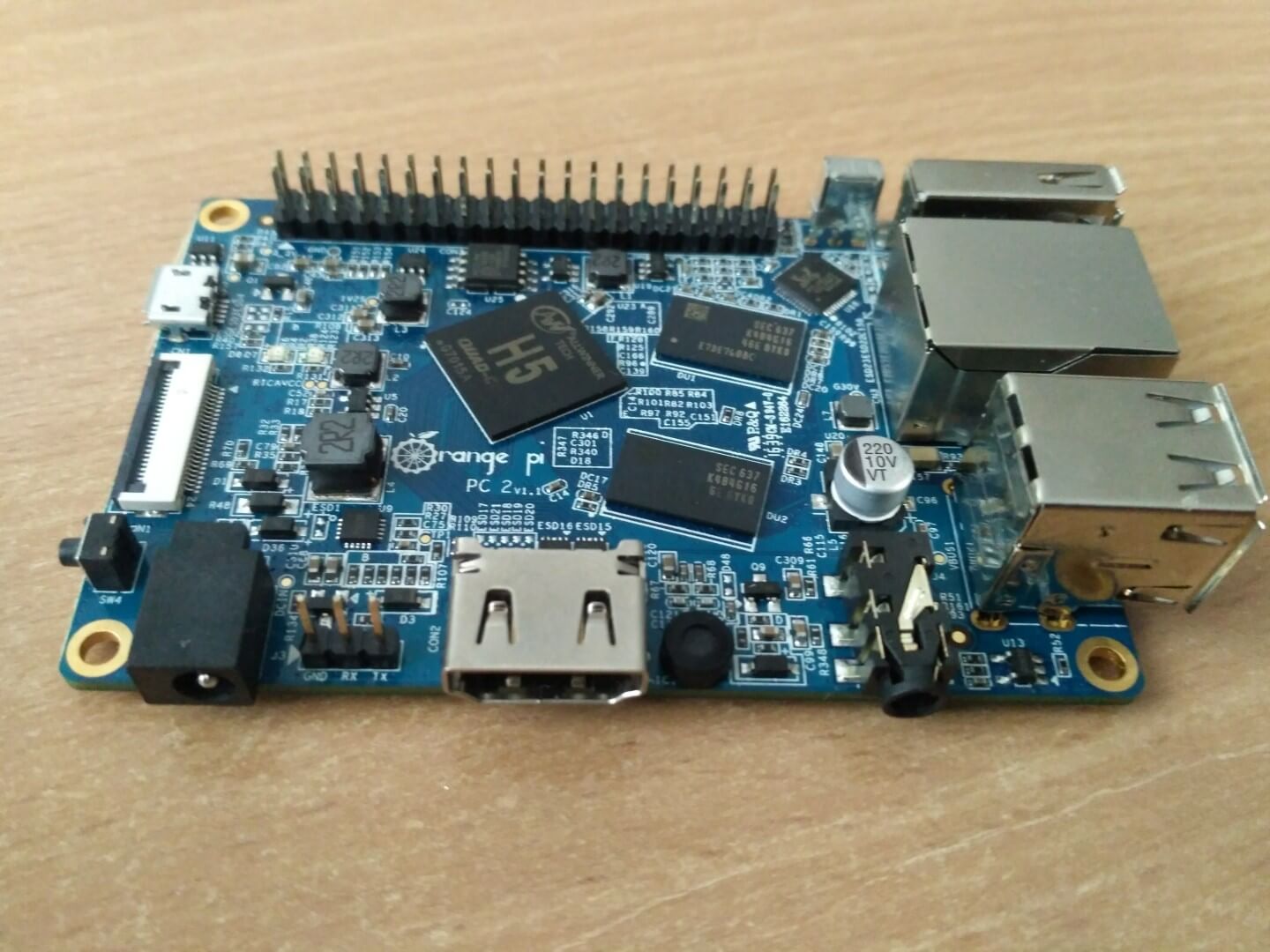
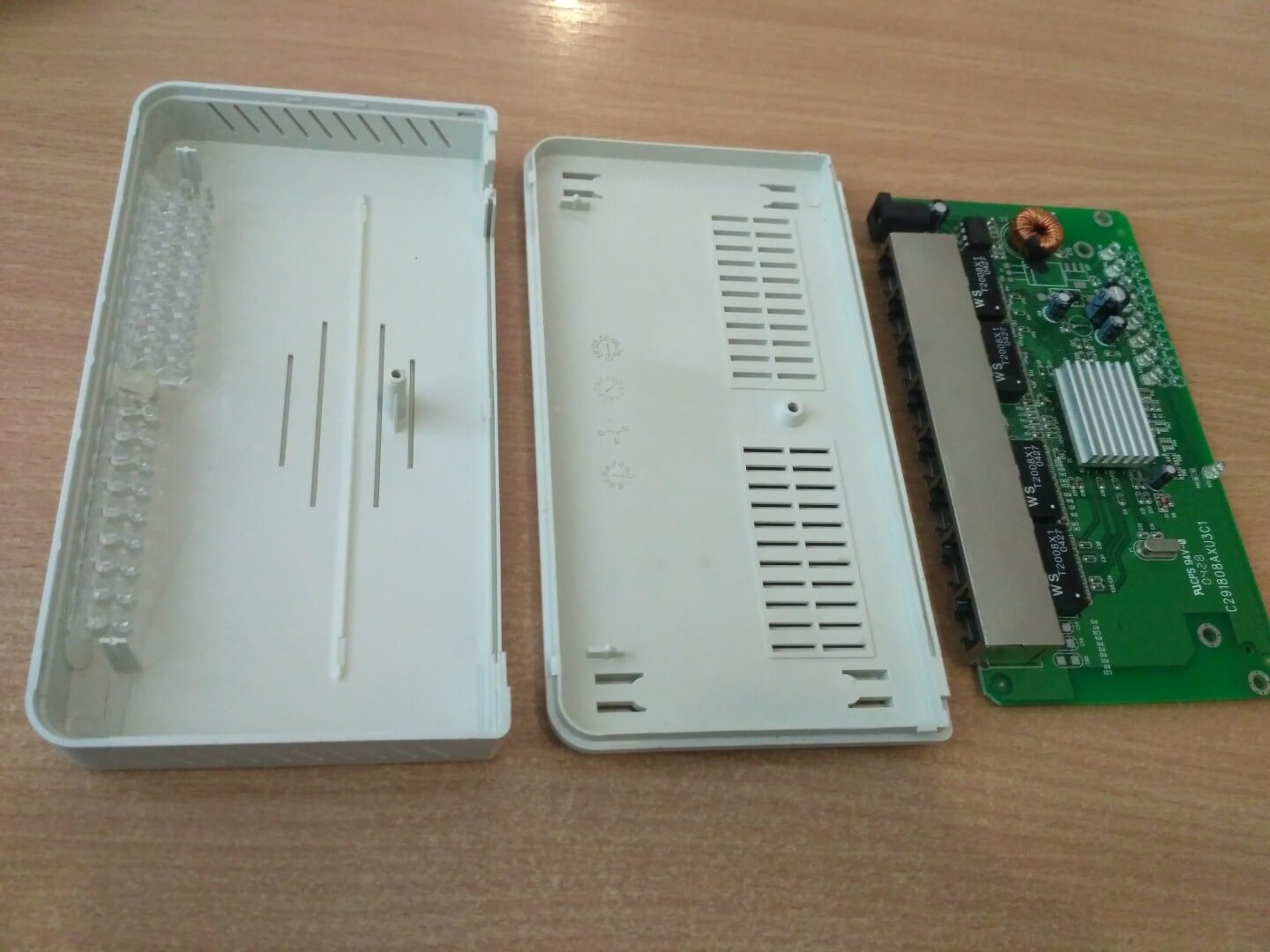
Prepare the case from the switch, cut out the seat for the output of Ethernet and USB, the socket connection for the power supply I soldered out of the board of an old non-working switch and glued it into place in the case with heat glue. The board itself is also glued to the seat with a heat-glue gun, at the corners on the seats:
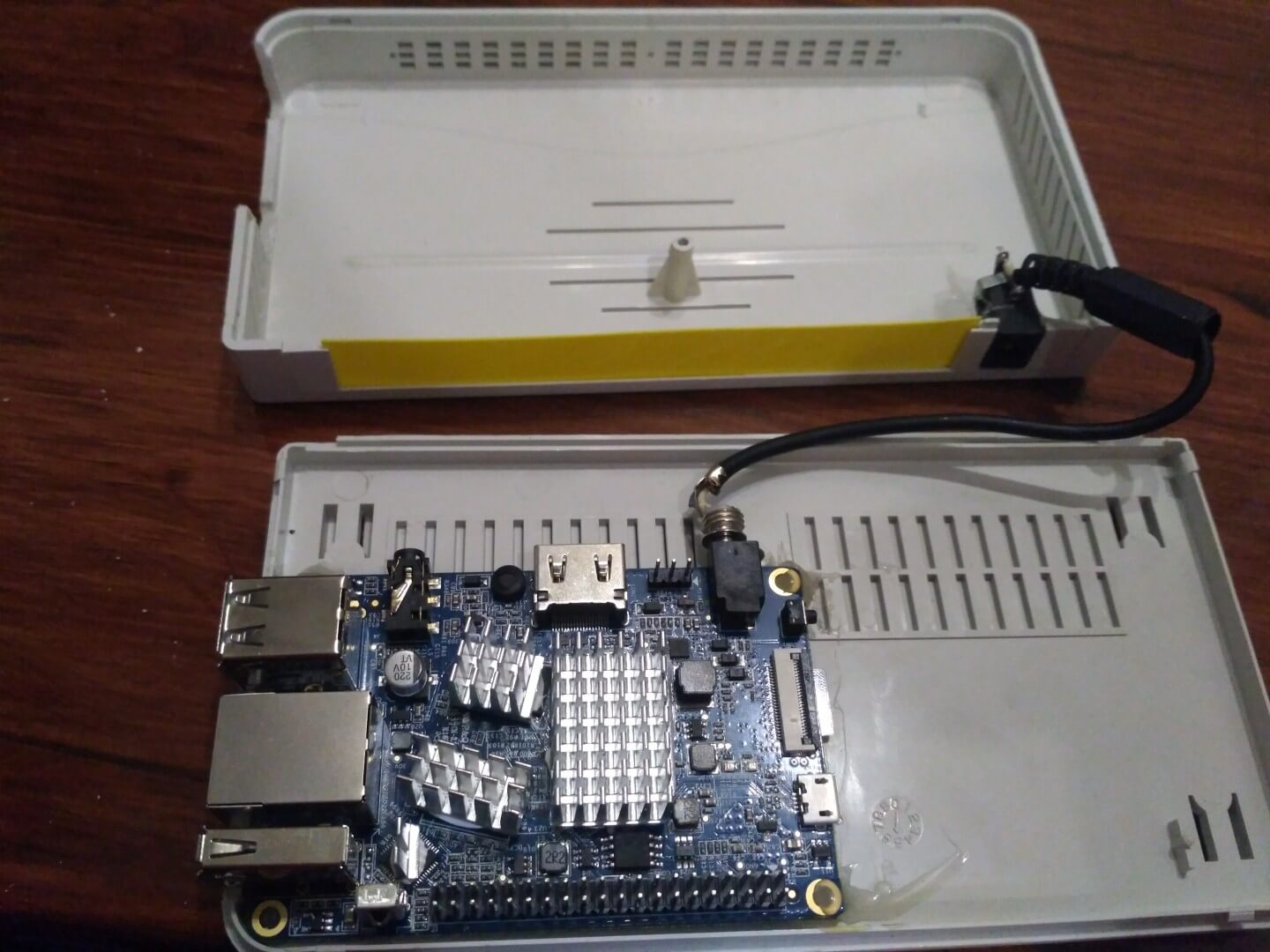
The landing place in the case from the old board with Ethernet ports is closed with a plastic stub, I had it with a yellow notebook and also glued with a glue thermal pistol, twist and get a mini server of sufficient power, reliability, economy. This mini server can be hidden at least on a closet, shelf or in another place and forget about its existence for several years:
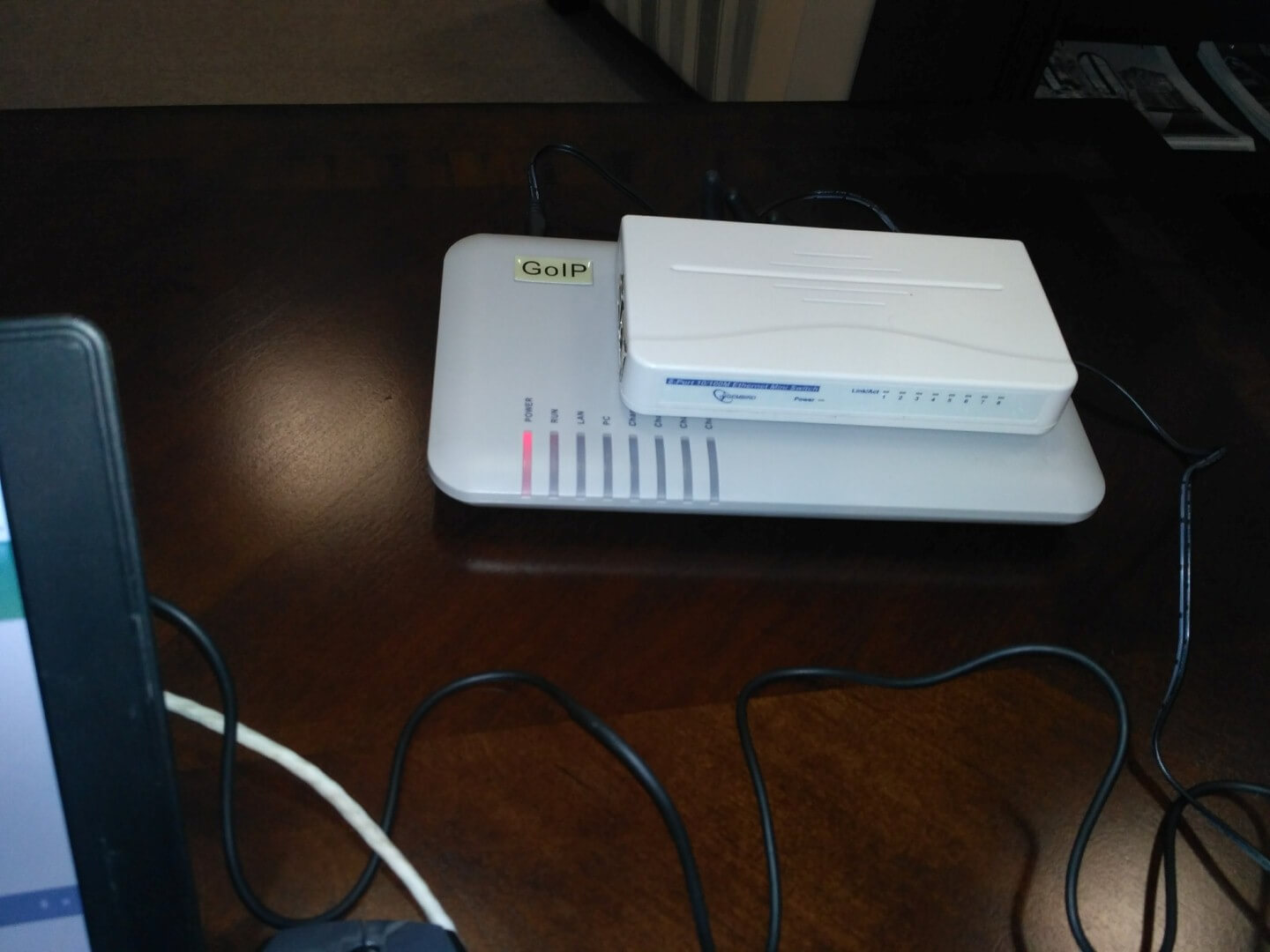
Body for the Orange Pi Plus
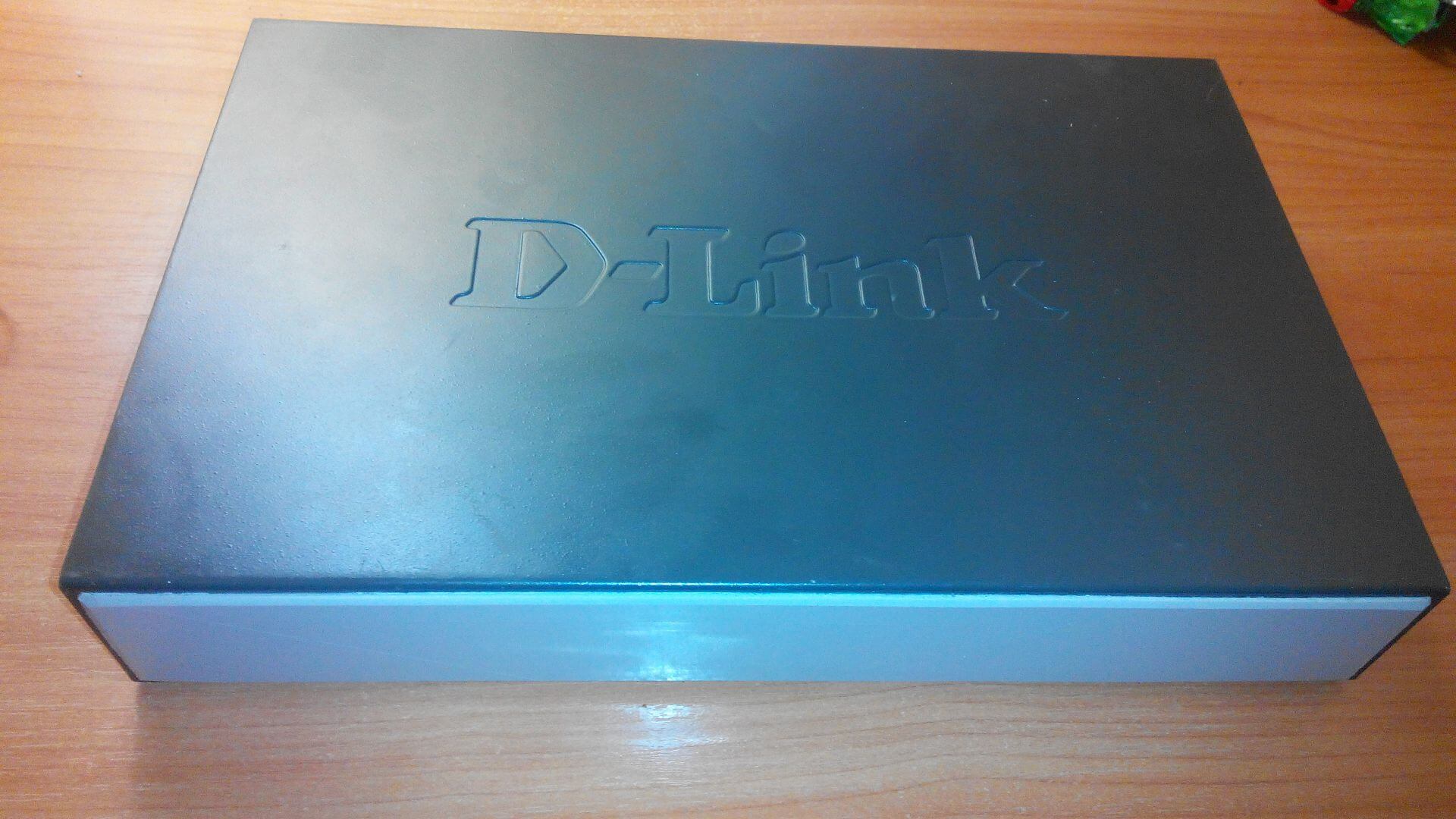
For the Orange Pi Plus, I use a case from a failed Dlink switch. Immediately I wanted to put the board so as to bring the power socket and flash drive on the back wall of the case, for this I drilled holes under the socket and flash drive. He also made the dowels of the boarding mount. In the process of work, I refused such an arrangement of the board in the body:
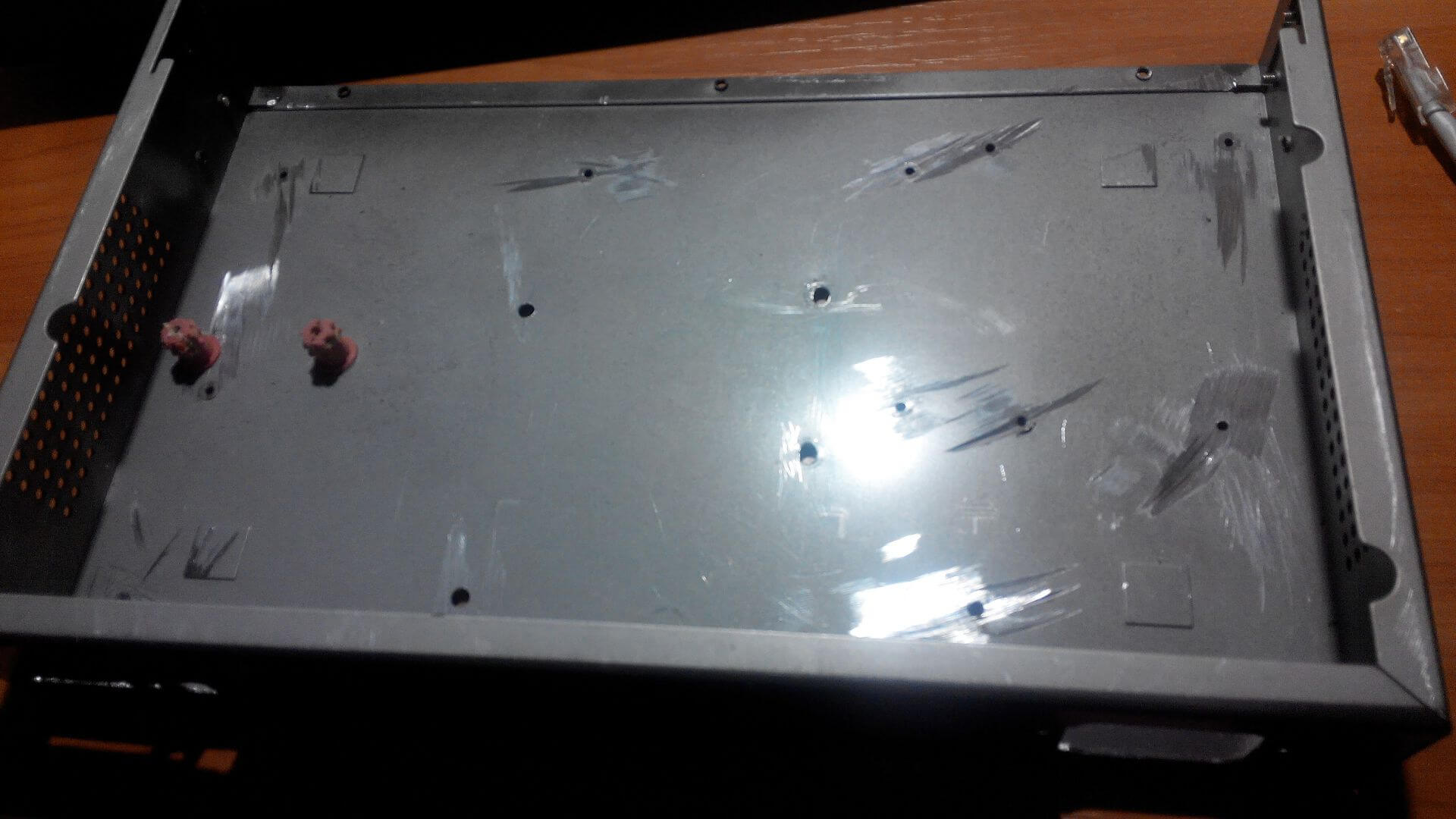
Prepared the output of Ethernet ports by gluing them together, as well as gluing a plastic bar to them for gluing to the case. To connect to the server of the second Ethernet port, I use USB Ethernet:


To take the board in the middle of the case, we make landing nests out of dowels, fasten to the board and use the glue moment to glue to the body before degreasing the place of gluing:
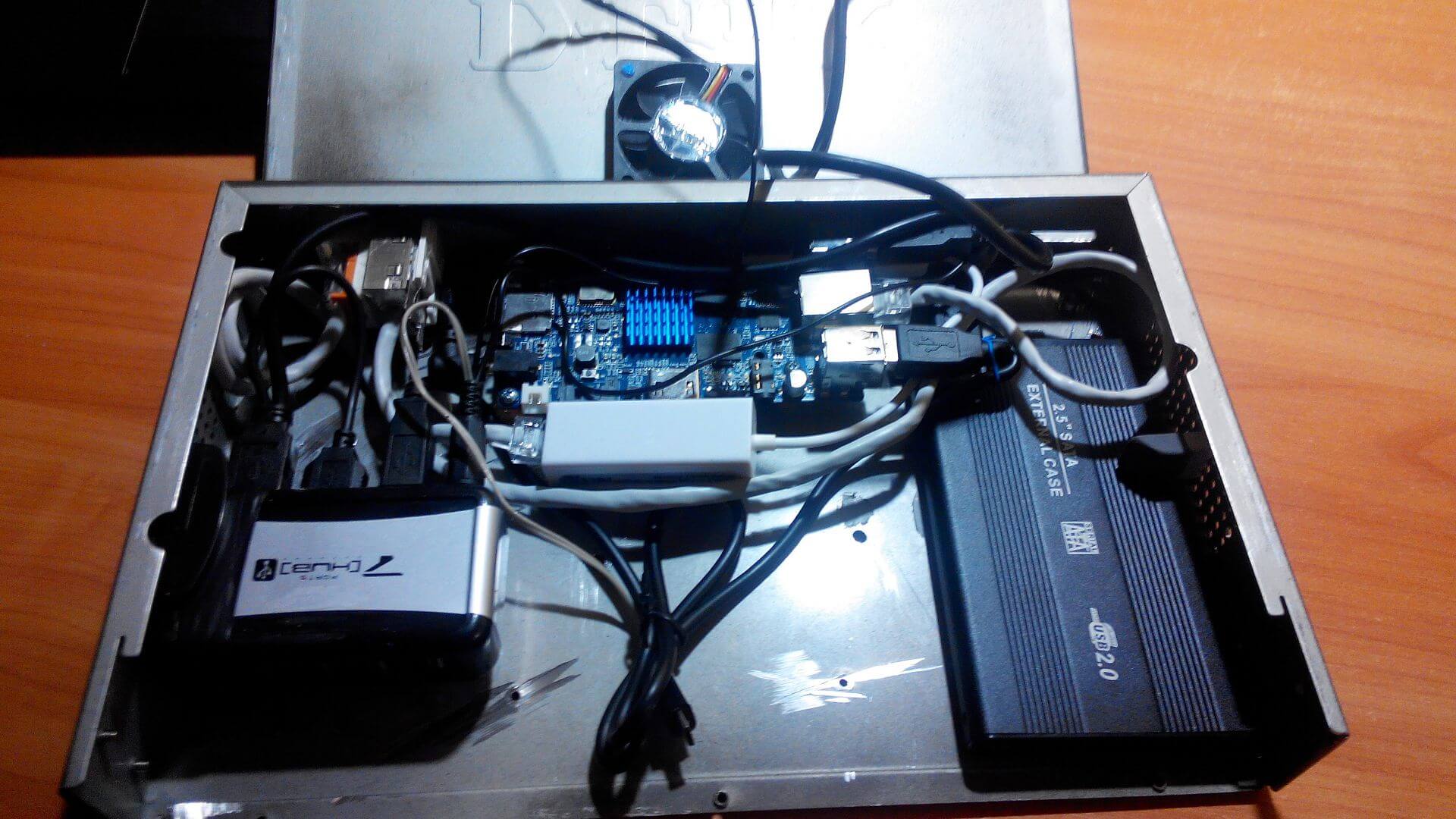
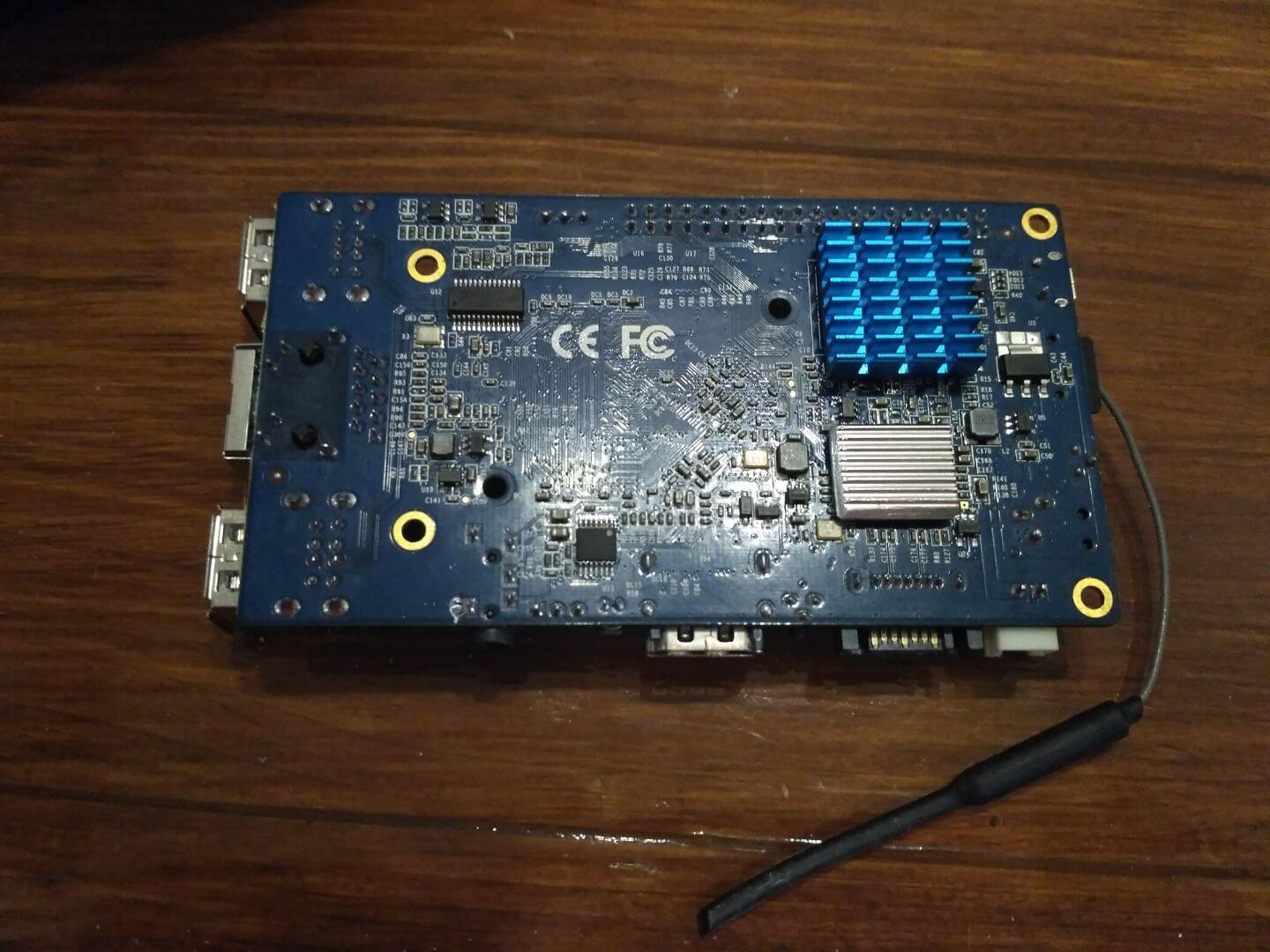
That photo below was the first time I glued a radiator using thermal scotch, which didn't show its effectiveness, and then I took off this radiator and glued this radiator from the bottom of the board onto a chip:
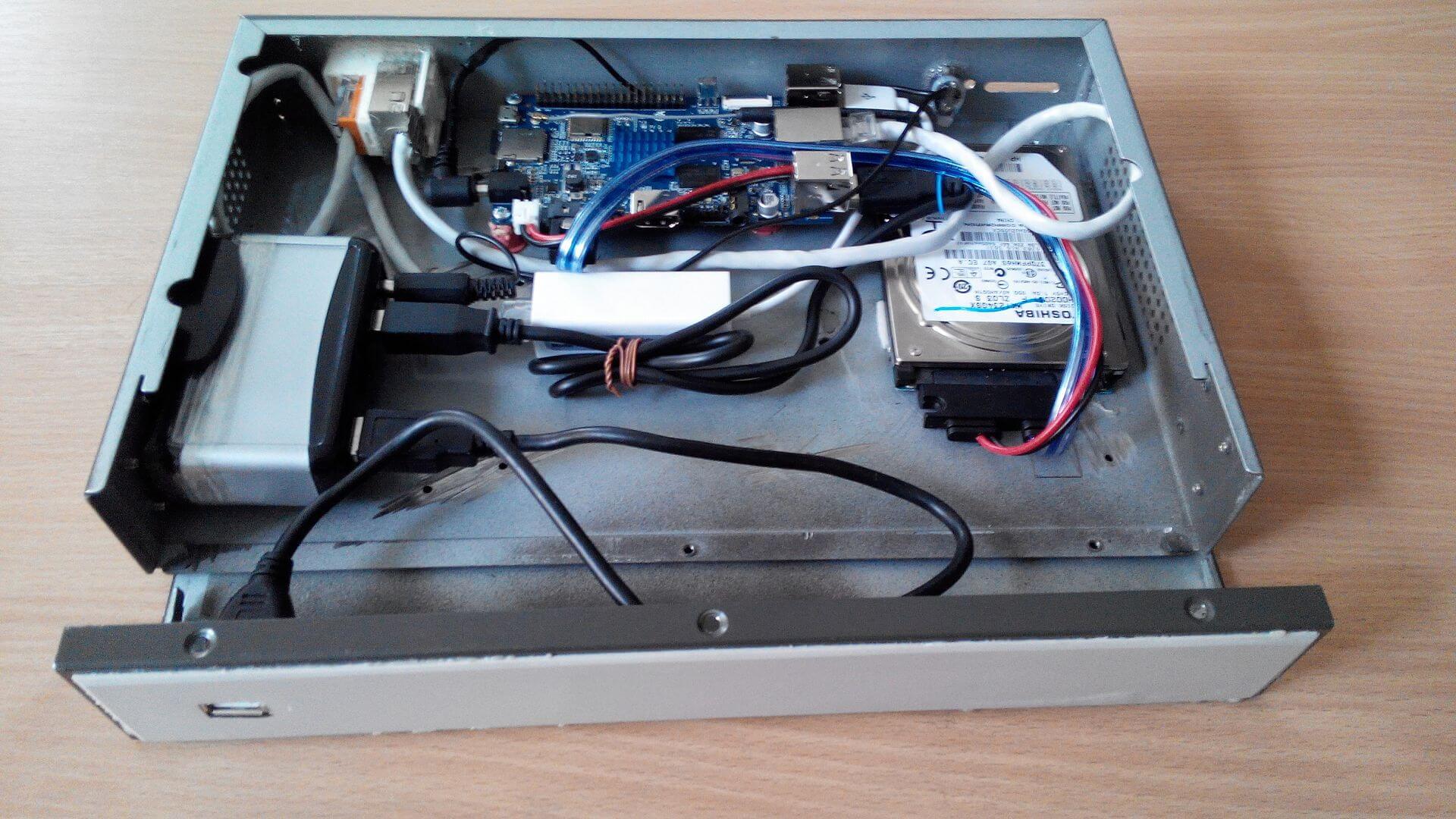
In the photo below, we can see that the OrangePi Plus circuit board is connected to a hard drive via SATA interface, and what I encountered was the fact that from time to time the screw fell off and nothing could be done. While I use a power supply purchased from the seller:
Before I glued the radiator to heat glue, due to the fact that the radiator on the thermal scotch could not cope with the removal of heat, I put the cooler over the radiator on 12V and powered from the power supply on 5V receiving a very quiet cooling:
We glue the radiators to the chips on the board of the mini server at the top and bottom:
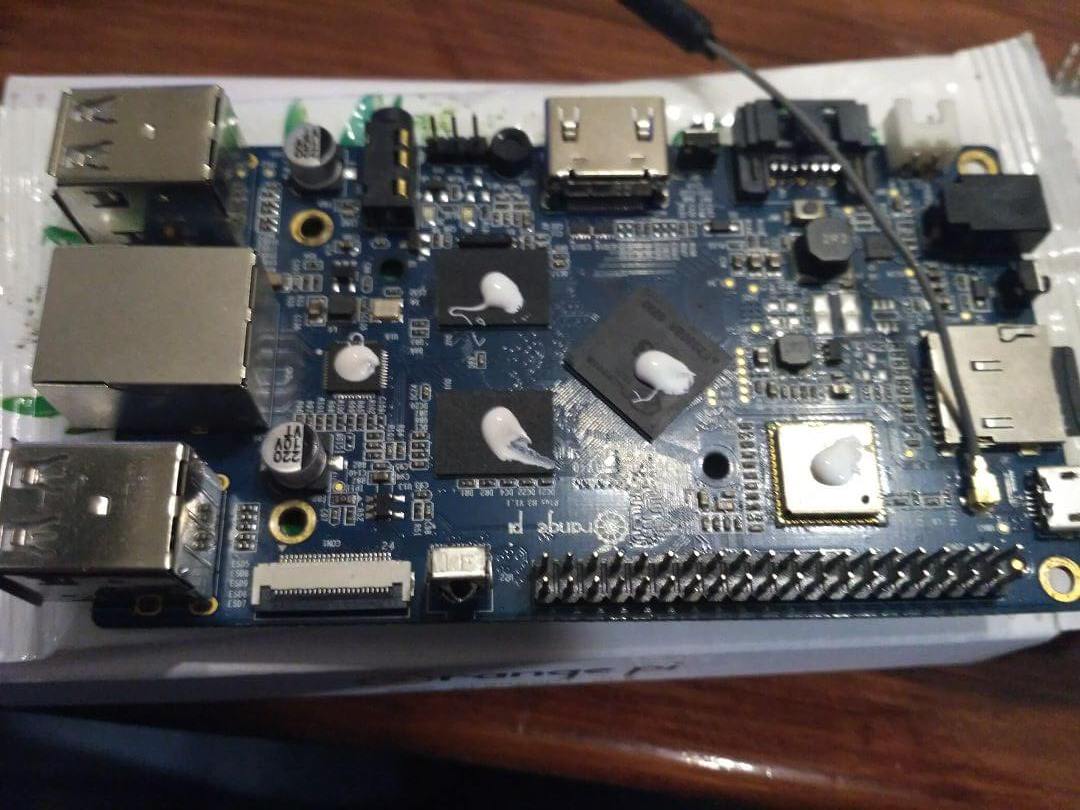
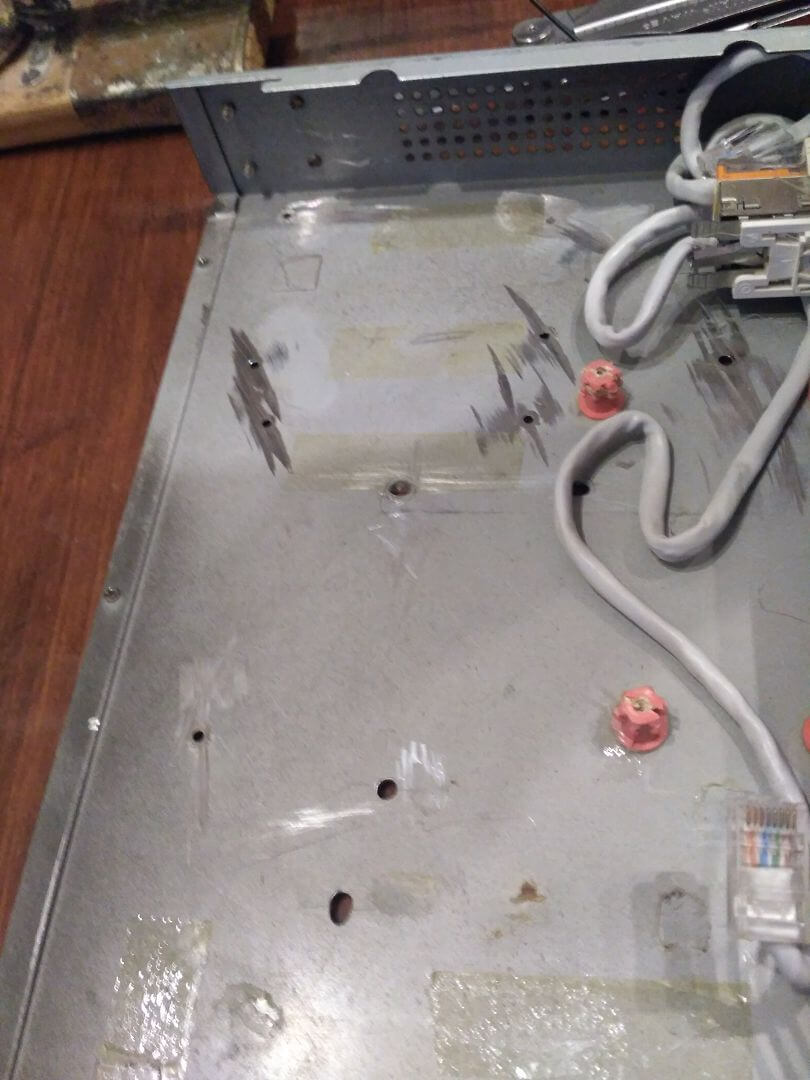
Clean two-sided tape from old glued HDD pockets:
Take the power for the USB hub to a separate power supply 1A:

USB hub and pocket for the hard drive glued using adhesive thermal pistol:
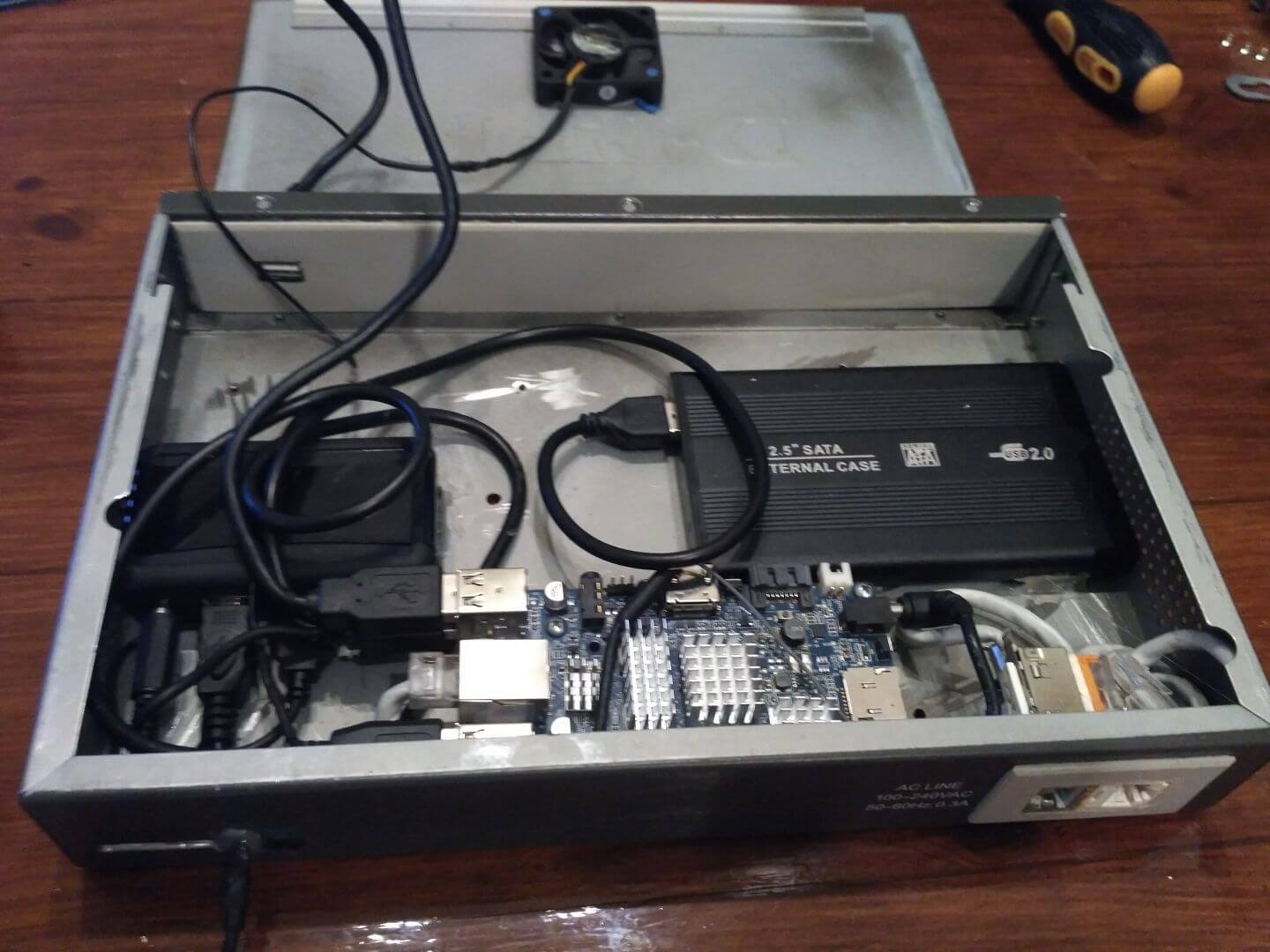
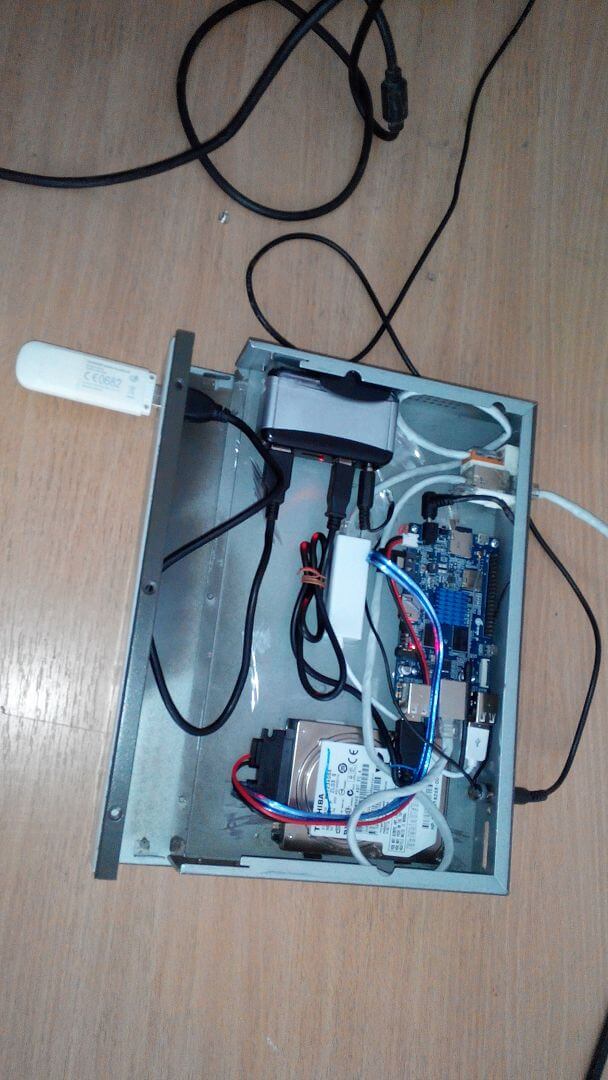
We collect the case and we can connect a mini server to power and network:
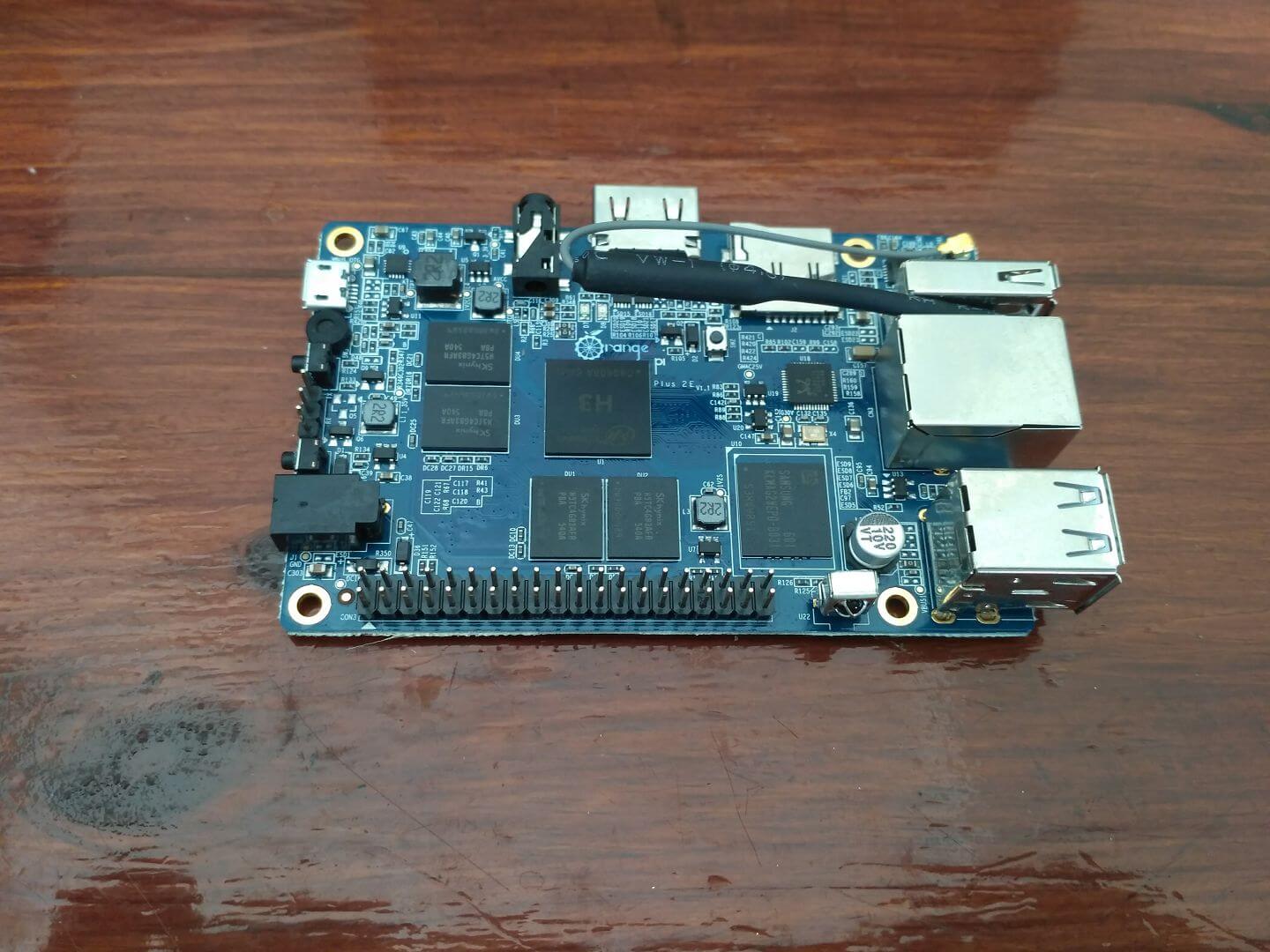
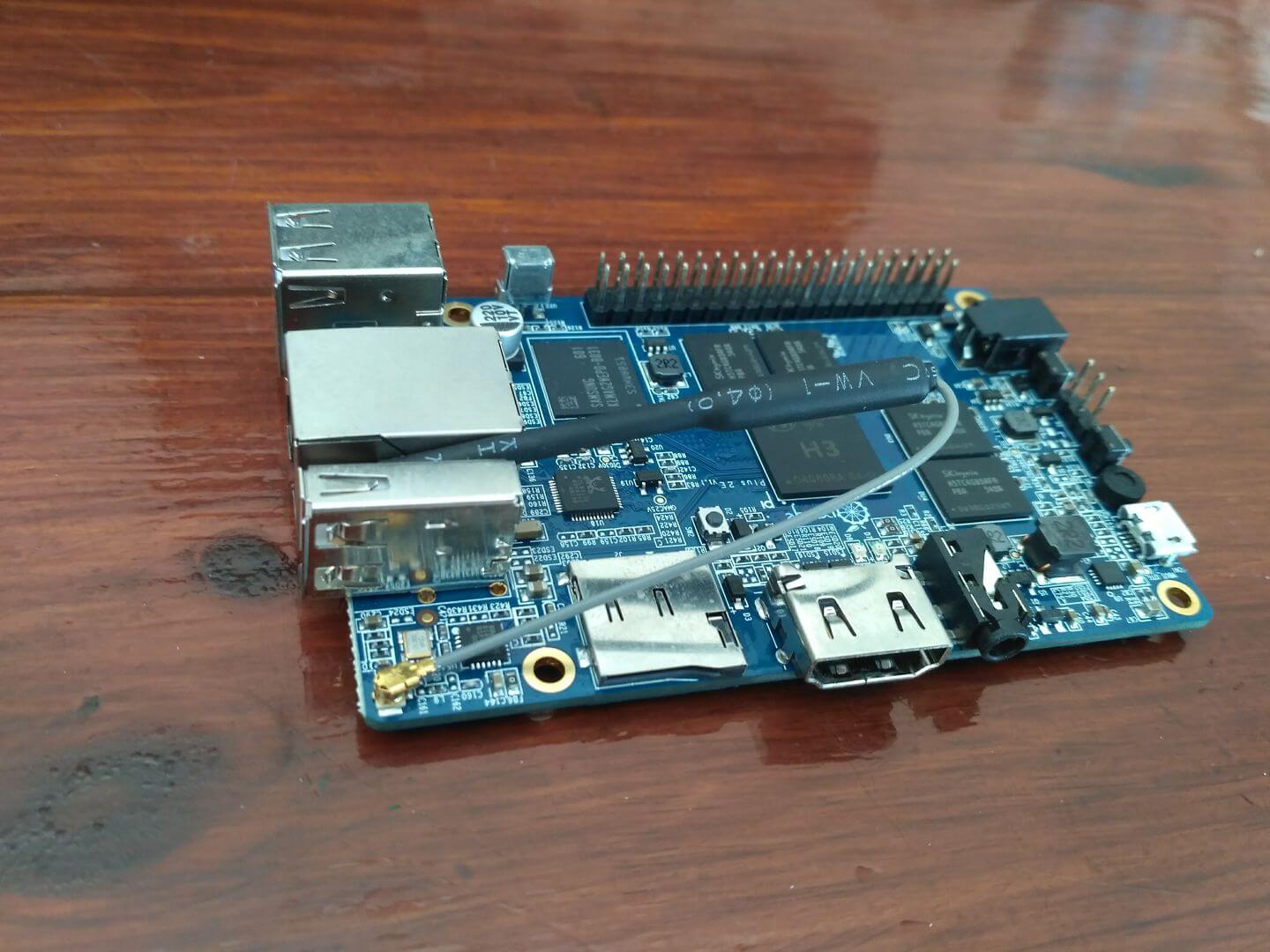
Passive Cooling for Orange Pi Plus 2E
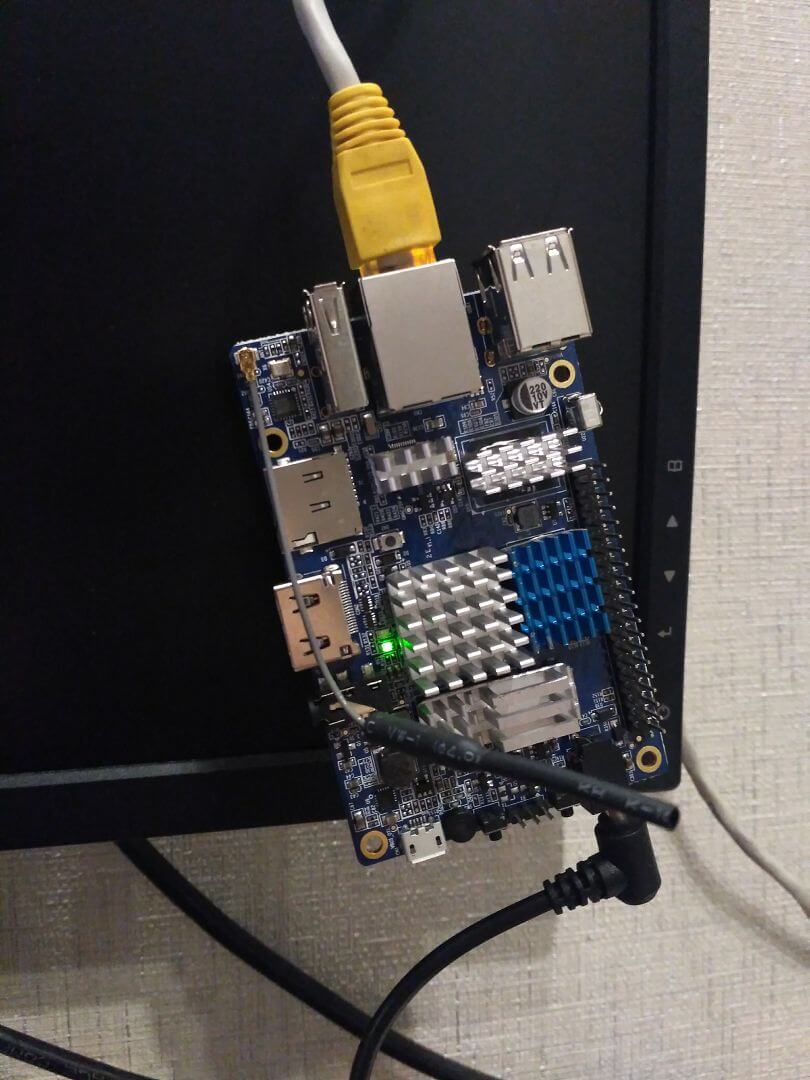
How the smart home controller purchased the OrangePi Plus 2E board with 2Gb of RAM on board, immediately cut the radiators and glued to thermal glue:
A small download and jump speed test on the OrangePi Plus and OrangePi Plus 2E file at 1.5GB:
Upload the test video file on OrangePi Plus to a USB-connected hard drive:



Download the test video file from OrangePi Plus with a USB-connected hard drive:




Upload the test video file to OrangePi Plus 2E on EMMS built-in memory:


Download the test video file from OrangePi Plus 2E with built-in EMMS memory:



Testing was carried out at speeds up to 100 MB.
In this article, I showed an example of how to make a case for an office or home mini server from improvised materials, and passive cooling is done from radiators from motherboards and thermal glue.
I was with you. Sergey Lazarenko.
Let’s take a break and watch the video:

comment