

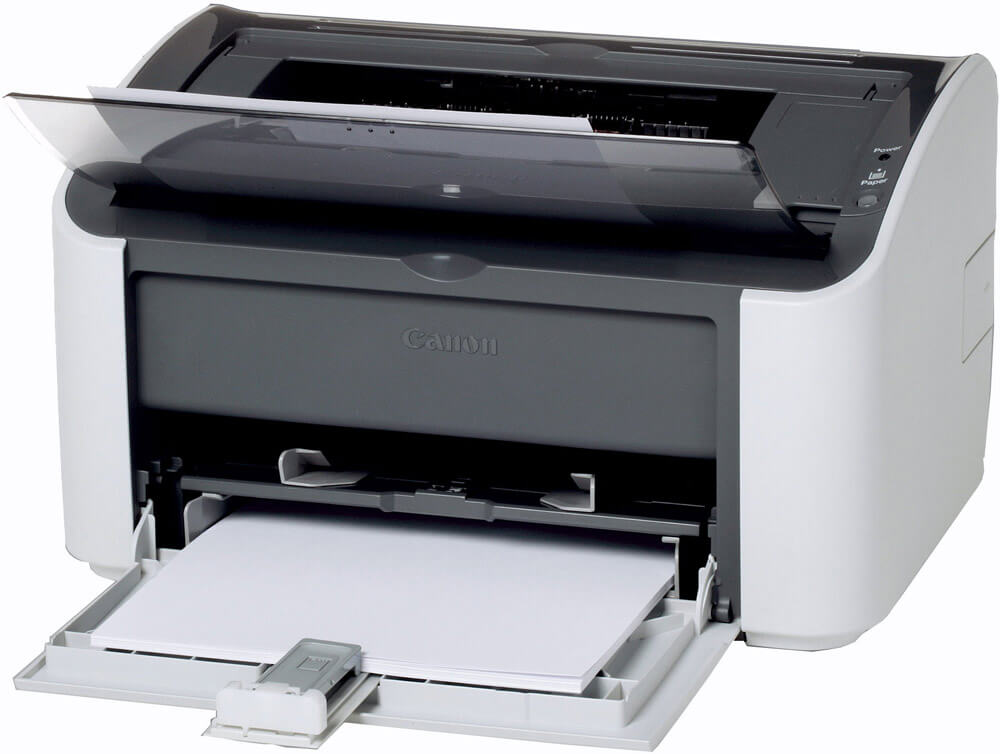

In Ubuntu repositories, there is no driver for the canon LBP2900 printer, it is not suitable from others, but you need to install it.
1. Download and unpack the source driver from Canon.
sudo su
cd /usr/src
mkdir capt
cd capt
wget http://softnastroy.com/downloads/CAPT_Printer_Driver_for_Linux_Src_V190_uk_EN.tar.gz
tar xfz CAPT_Printer_Driver_for_Linux_Src_V190_uk_EN.tar.gz
cd  CAPT_Printer_Driver_for_Linux_Src_V190_uk_EN/Src/
tar xfz cndrvcups-common-1.90-1.tar.gz
tar xfz cndrvcups-capt-1.90-1.tar.gz
2. Set up dependencies.
sudo apt-get install build-essential gettext libtool libxml2-dev libcups2-dev debhelper libglib2.0-dev autoconf automake libgtk2.0-dev
wget http://apt-mirror.us.archive.org/ubuntu/pool/universe/c/cups/libcupsys2_1.3.9-17ubuntu3.7_all.deb
sudo dpkg -i libcupsys2_1.3.9-17ubuntu3.7_all.deb
wget http://old-releases.ubuntu.com/ubuntu/pool/universe/g/gcc-3.3/libstdc++5_3.3.6-17ubuntu1_amd64.deb
sudo dpkg -i libstdc++5_3.3.6-17ubuntu1_amd64.deb
3. Collect and install cndrvcups-common-1.90
cd cndrvcups-common-1.90
vi ./debian/control
Replace Architecture: i386 with Architecture: amd64
dpkg-buildpackage
sudo dpkg -i ../cndrvcups-common_1.90-1_amd64.deb
cd ..
4. Collect and install cndrvcups-capt-1.90
cd cndrvcups-capt-1.90
vi ./debian/control
Replace Architecture: i386 with Architecture: amd64
vi ./debian/rules
Replace dh_shlibdeps with #dh_shlibdeps
dpkg-buildpackage
sudo dpkg -i ../cndrvcups-capt_1.90-1_amd64.deb
cd ..
5. Configurable.
vi /etc/init.d/ccpd
Insert the following contents:
#!/bin/sh
# ccpd startup script for Canon Printer Daemon for CUPS
# Modified for Debian GNU/Linux
# by Raphael Doursenaud < [email protected] >.
DAEMON=/usr/sbin/ccpd
LOCKFILE=/var/lock/subsys/ccpd
PATH=/usr/local/sbin:/usr/local/bin:/sbin:/bin:/usr/sbin:/usr/bin
NAME=ccpd
DESC="Canon Printer Daemon for CUPS"
test -f $DAEMON || exit 0
case $1 in
start)
echo -n "Starting $DESC: $NAME"
start-stop-daemon --start --quiet --exec $DAEMON
echo "."
;;
stop)
echo -n "Stopping $DESC: $NAME"
start-stop-daemon --stop --quiet --oknodo --exec $DAEMON
echo "."
;;
status)
echo "$DESC: $NAME:" `pidof $NAME`
;;
restart)
echo -n "Restarting $DESC: $NAME"
start-stop-daemon --stop --quiet --oknodo --exec $DAEMON
sleep 1
start-stop-daemon --start --quiet --exec $DAEMON
echo "."
;;
*)
echo "Usage: ccpd {start|stop|status}"
exit 1
;;
esac
exit 0
Next:
/etc/init.d/cups restart
/usr/sbin/lpadmin -p LBP2900 -m CNCUPSLBP2900CAPTK.ppd -v ccp:/var/ccpd/fifo0 -E
/usr/sbin/ccpdadmin -p LBP2900 -o /dev/usb/lp0
/etc/init.d/ccpd restart
! If you have a different printer model, the PPD file will need to be substituted (CNCUPSLBPxxxxCAPTK.ppd)
6. We'll add service to the autoload.
vi /etc/rc.local
Add the following line:
/etc/init.d/ccpd start
/etc/init.d/ccpd restart
Turn on the printer, type.
Рейтинг статьи:

comment