

Today we will install Debian 8 Jessie or Debian Wheezy on the Orange Pi single board mini server. I bought this computer as an upgrade for the single-core Raspberry PI and installing a home mini server with Asterisk and Huawei E1550 modem. The advantages of this solution is passive cooling, and since I additionally glued the radiator to heat glue, the mini server will work perfectly in the summer heat, while a full-fledged server overheats at a temperature of 35C degrees in the room and it is dangerous to leave it working in the closet especially during vacation.
Download Win32diskimager from the official websiteIf for any reason the program cannot be downloaded from the official website, Download the Win32diskimager distribution from my cloudI repackaged the program with the 7Zip archiver for maximum compression, save the downloadable installation file to the computer disk:
Download the image of Debian on the official website for the Orange Pi Plus mini server on the page of the official website:
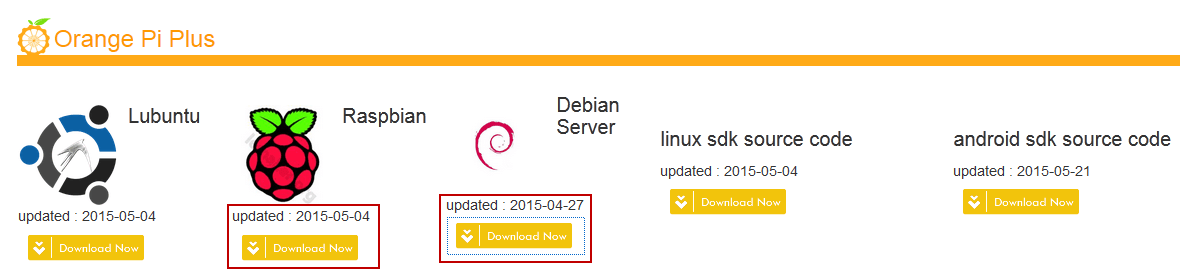
Download Debian Wheezy using Raspbian image
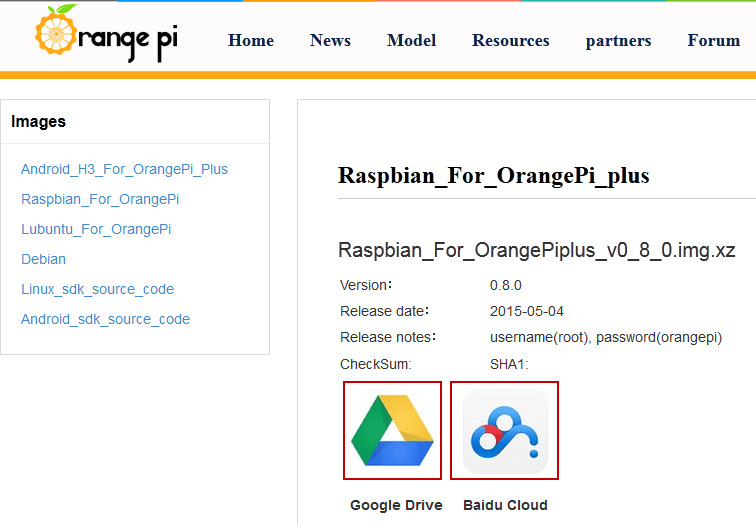
Download Debian Jessie for Orange Pi Plus
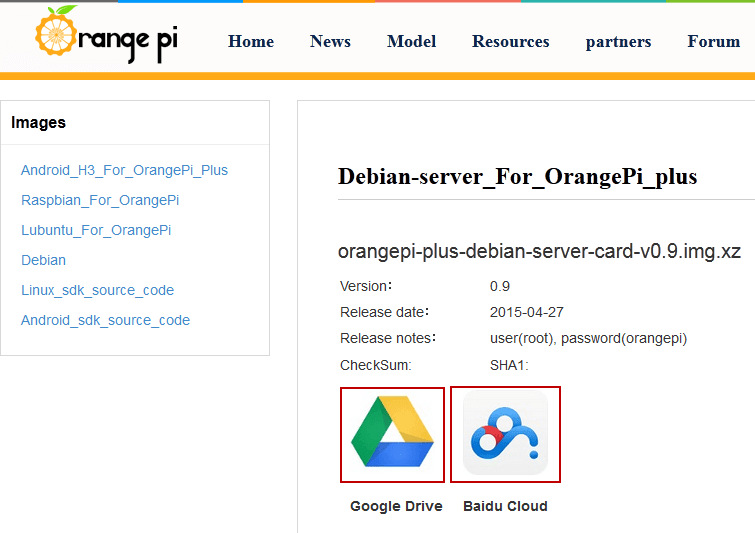
We download and write to the USB drive Debian Jessie, for this we click on the icon link convenient for you, I download the image from Google Drive:



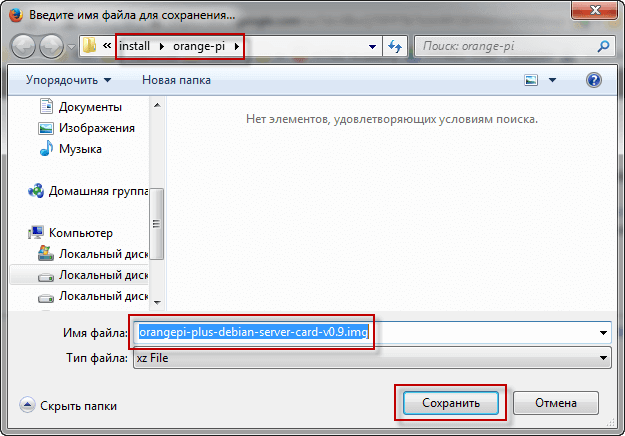
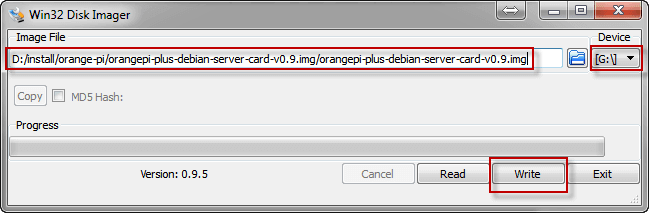
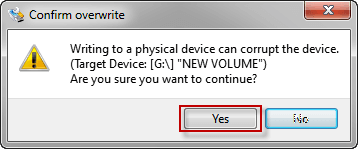
Download the image of the desired version of Debian GNU / Linux uncivilize and open the downloaded and installed earlier program win32diskimager Write to a formatted microcd flash drive size:
In WIN32DiskImager, we open the image of Debian for Orange Pi:
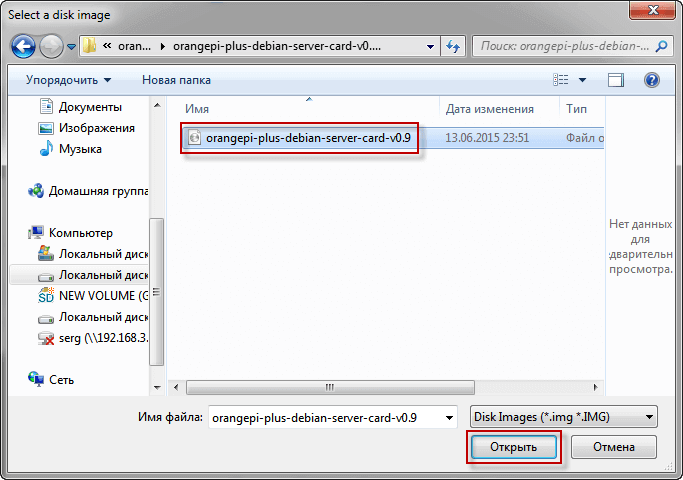
Download the image of the desired version of Debian GNU / Linux uncivilize and open the downloaded and installed earlier program win32diskimager Write to a formatted microcd flash drive size:
We go to the server via SSH after looking at the router which IP received the mini server, the data for connection:
- Login: root
- Password: orangepi

Put a few programs on the mini server by executing the command:
apt-get update && apt-get install vim mc screen nmap htop bmon
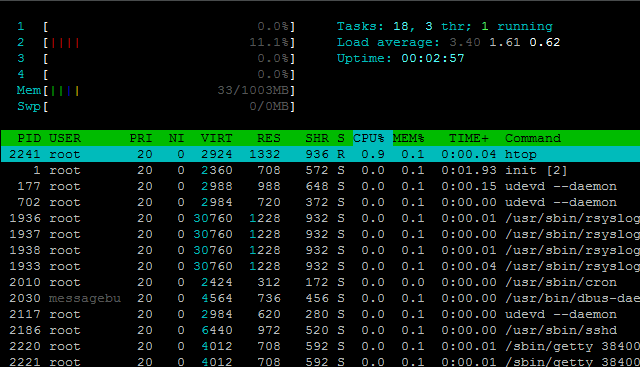
Starting the Htop program, we will see the number of processor cores, RAM and downloaded mini server services.
If you have a Raspbian or Debian image installed on a mini server, you do not need graphics on the server, so we will delete graphics files by running several commands:
apt-get remove x11-common midori lxde lxde-common lxde-icon-theme omxplayer
apt-get remove `sudo dpkg --get-selections | grep -v "deinstall" | grep x11 | sed s/install//`
apt-get remove `sudo dpkg --get-selections | grep -v "deinstall" | grep sound | sed s/install//`
apt-get autoremove
rm -rf /root/Desktop
Since by default the operating system configures IP automatically, and the server must always be configured to a static IP address, we will configure the network according to the instructions: Set up an Internet connection, as well as configuring network cards on the server in Debian, Ubuntu and their derivatives
We execute commands to create rsa, dsa and ecdsa keys, restart ssh and reboot our mini server:
ssh-keygen -f /etc/ssh/ssh_host_rsa_key -N '' -t rsa
ssh-keygen -f /etc/ssh/ssh_host_dsa_key -N '' -t dsa
ssh-keygen -f /etc/ssh/ssh_host_ecdsa_key -N '' -t ecdsa
/etc/init.d/ssh restart
reboot
After that, by connecting to the mini server via SSH, you can proceed to further configuration.
Today, we installed Debian GNU/Linux on the Orange Pi mini server, configured the network to a static IP and installed some programs. Now you can configure a Web server, PBX on your mini server, or use as a torrent swinger, dlna or other service you need.
I was with you. Sergey Lazarenko
Let’s take a short break and watch a little video:

comment